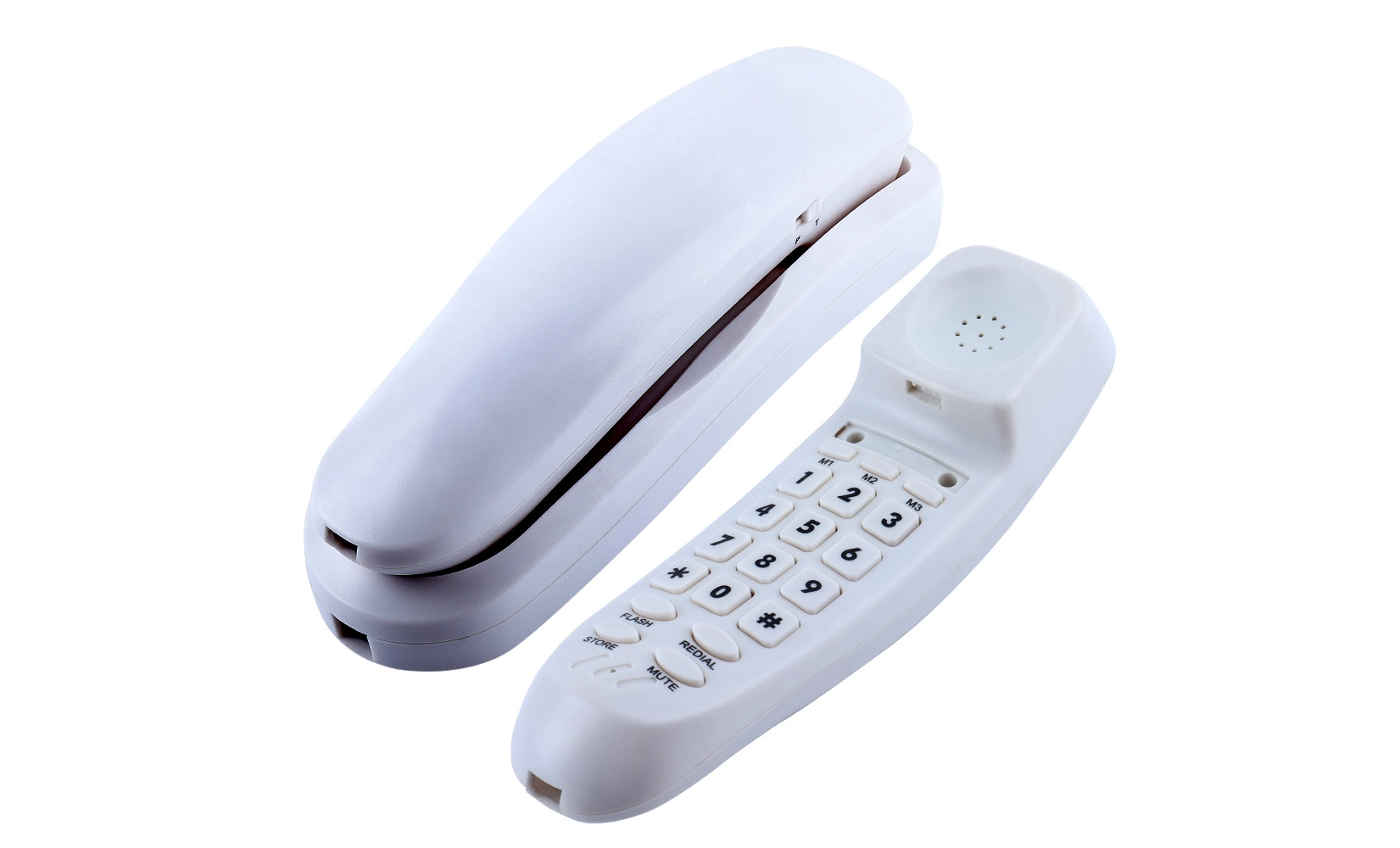
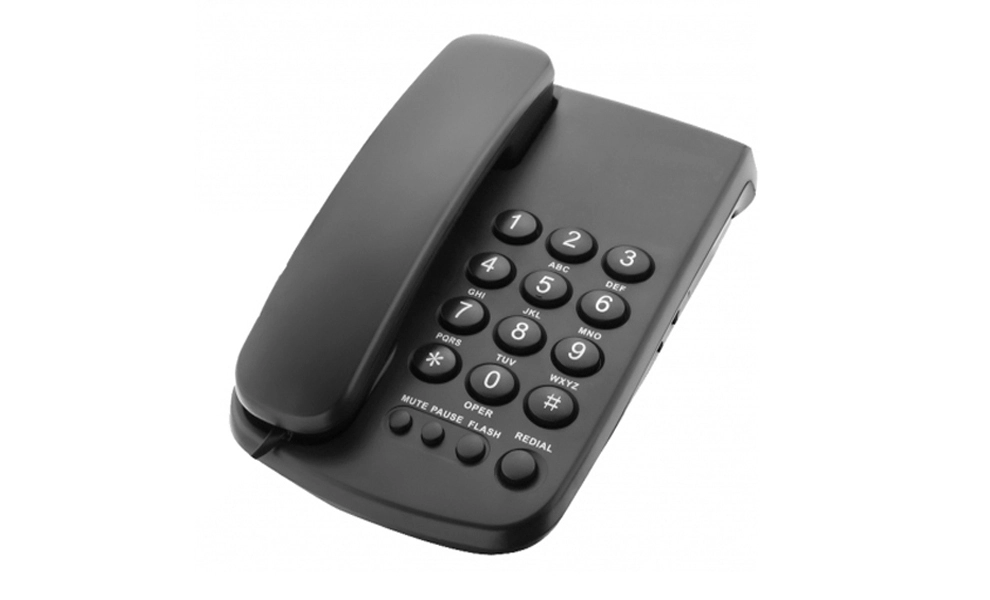
A Simple Guide to Caller ID Telephones and Their Operation
 With their combination of ease and security, caller ID telephones have changed the way we handle incoming calls. You can successfully screen calls with these devices because they show you the caller's number and sometimes name before you answer. A caller ID phone is easy to use; when a call comes in, all you have to do is glance at the screen to see who is calling. Most models remember recent calls, so you can go back and listen to calls you missed later. Caller ID phones are useful in many places, from busy offices to the houses of older people, because they have features like call blocking and big screens. When you know how to use these tools, your talking experience will be much better.
Understanding Caller ID Technology
Caller ID is an important part of modern telecommunications because it tells people useful things about incoming calls. Between the first and second rings of a phone call, this method sends data that gives information about the person before the receiver answers.
How Caller ID Works?
When a call comes in, the process starts. The information about the caller is sent with the call signal. This information usually includes the caller's phone number and sometimes their name. This information is sent over the phone network to the caller ID-enabled device of the receiver. The phone that receives the message then decodes it and shows it on its screen, typically between the first and second rings.
Either Frequency Shift Keying (FSK) or Dual-Tone Multi-Frequency (DTMF) is used by most caller ID devices. FSK is more popular and can send more thorough data than DTMF. DTMF is an older technology that is still used in some places.
Types of Information Displayed
What shows up on a caller ID phone can be different based on the device and the settings of the speaker. You should see:
- The caller's phone number
- The caller's name (if the name is visible)
- Call date and time
- Call state (for example, new call, return call)
Privacy Considerations
Caller ID is helpful in many ways, but it's important to remember that users can choose not to have their information shown. A lot of the time, this is done by calling a certain code first, like *67 in many parts of the US. The person who is stopped may see "Private," "Unknown," or "Blocked" instead of the caller's details on their caller ID.
Features and Functions of Caller ID Telephones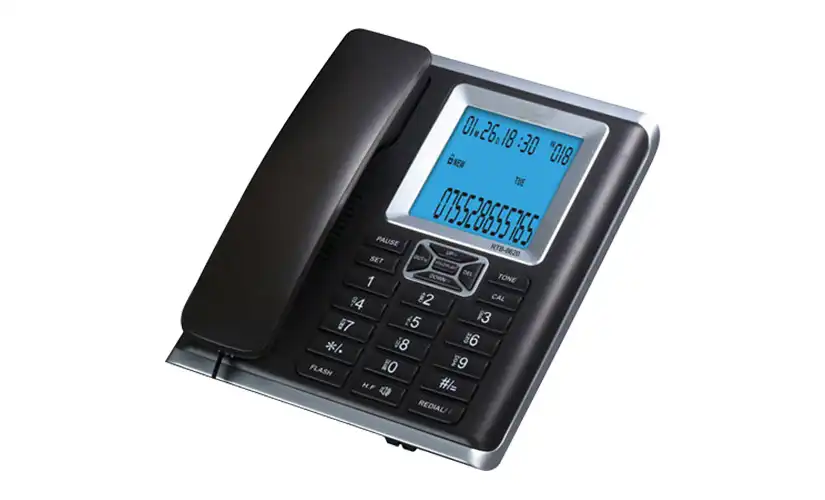
The user experience and call handling are both improved by the many features that come standard on caller ID telephones. You can get more out of your gadget and communicate more effectively if you know how to use these features.
Display Capabilities
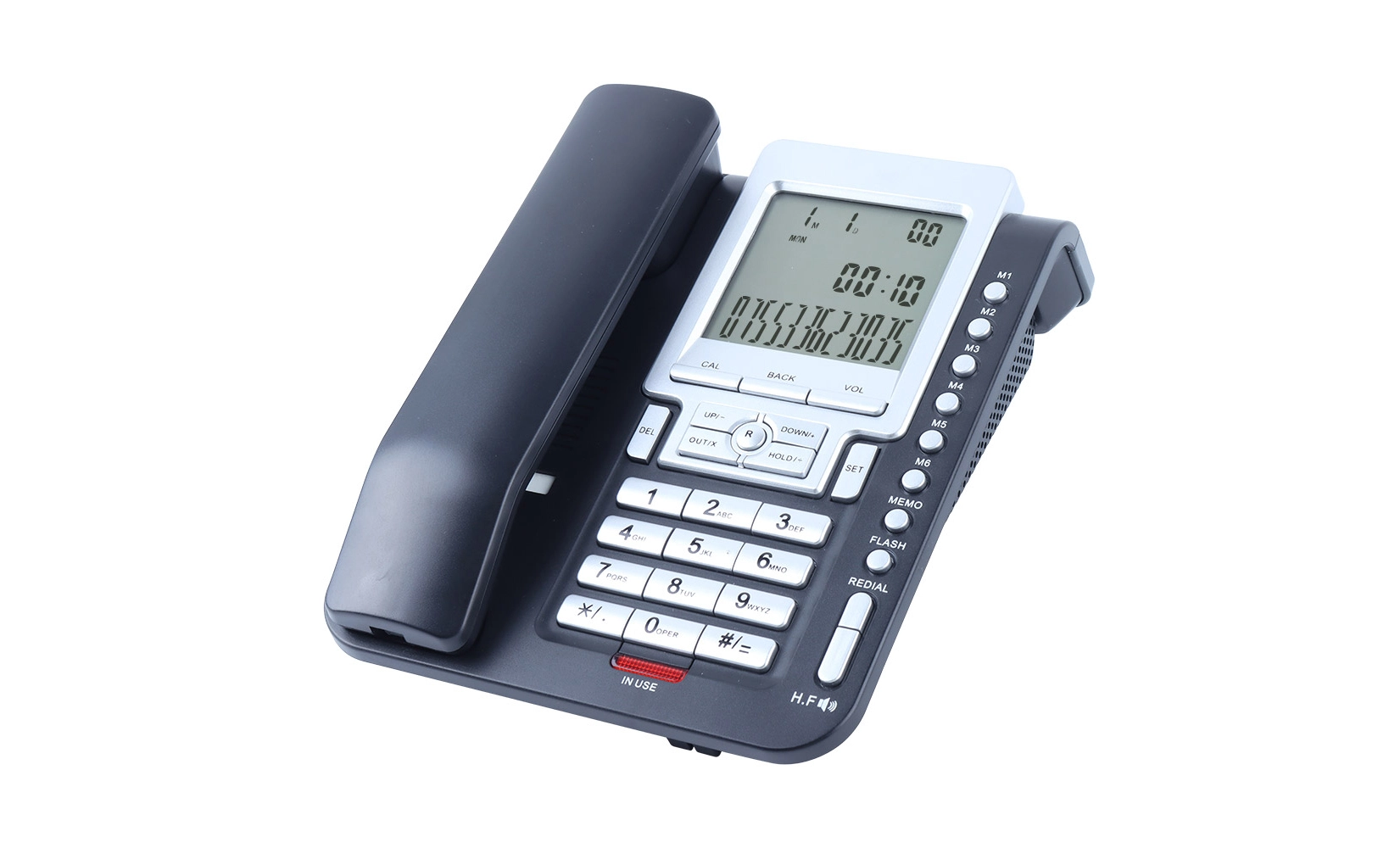
The screen is the most important part of any caller ID phone. A lot of modern devices have big, lighted LCD screens that make caller information easy to see. Usually, these screens show:
- The name and number of the caller
- The time and date of the call
- The number of new calls
- A battery power monitor (for types that don't have cords)
Some more modern models even have screens that can be changed so that users can see better by changing the colors or word size.
Call Log and Memory
The call log feature, which keeps track of recent received calls, is typically included in Caller ID telephones. This feature lets users:
- Look over calls they missed
- See the time and date of calls they got
- Call numbers again right from the call log
Different types have different amounts of memory. Some can hold up to 100 or more call records. This function is especially helpful for keeping track of past conversations and handling calls well.
 Call Blocking and Filtering
The ability to stop unwanted calls is a feature of many current caller ID telephones. This function usually lets you:
- Block certain phone numbers
- Block calls from numbers you don't know
- Make lists of accepted callers
Some more modern models can even connect to online databases that stop known spam or telemarketer numbers instantly. This adds another layer of safety against unwanted calls.
Additional Features
Caller ID telephones may have a variety of extra features, depending on the model:
- The ability to use a speakerphone with your handsconversations for free
- Intercom systems (for portable types with more than one handset)
- Voice mail built in
- Ringtones that can be changed for different people or groups
- A phone book to keep track of frequently called numbers
Tips for Operating Caller ID Telephones Effectively
If you want to get the most out of your caller ID phone, you need to know how to use it correctly. You can get the most out of your gadget and improve your talking experience by following these useful tips.
Setting Up Your Caller ID Phone
Setting up your caller ID telephone correctly is very important for getting the best results from it. Do these things:
1. Hook up the phone to a power source and a phone line.
2. Make sure the date and time are correct to make sure the call log is right.
3. Sign up for caller ID service through your phone company if your model needs it.
4. Learn how to use the phone's menus and settings.
Make sure you read the user manual for your device to get exact setup directions, as the steps may be different for each type.
Managing the Call Log
The call log is a useful way to keep track of the calls you've made. Here's the right way to use it:
- Check your missed calls often to make sure you don't miss any important messages.
- Get rid of old records in your call log to keep it organized and stop memory from getting too full.
- Use the "redial" button to quickly call people back from the log.
- Write down the times and numbers people call you to find spam or annoying calls.
Utilizing Call Blocking Features
Call blocking can greatly reduce interruptions that you don't want. How to get the most out of this feature:
- Use a block list to stop annoying telemarketers or spam calls from calling you.
- If you get a lot of annoying calls from private or unknown numbers, you might want to stop them.
- Check and change your block list often to make sure it keeps working.
- If your phone can do it, set it to automatically stop known spam calls.
Customizing Your Caller ID Experience
To improve usefulness, many caller ID telephones allow for customization:
- Change the brightness and color of the screen to see it best.
- Give important people or groups their own unique sounds.
- Sort your phone book so that you can quickly get to the names you call most often.
- If you can, change the information shown for each person to include nicknames or relationship details.
Maintaining Your Caller ID Phone
By giving your caller ID phone regular care, you can make sure it keeps working well:
- Keep the screen and keyboard clean to keep them clear and functional.
- For portable types, take good care of the batteries to make them last longer.
- If your phone type allows it, keep the program or code up to date.
- Check the phone line link every so often to make sure it works every time.
Conclusion
With their perfect combination of ease of use and safety, caller ID telephones have become an essential part of our daily contact. Users can greatly improve their speaking experience by learning how these devices work, exploring their features, and figuring out how to use them correctly. Caller ID technology gives people more control over their phone relations by letting them easily handle new calls and stop annoying interruptions.
As technology keeps getting better, we can expect these gadgets to get even more advanced features that will make it easier and safer for us to talk to each other. Being able to use your caller ID phone well can help you have more productive and nice phone conversations, whether you're on the phone for work or pleasure.
Easy-to-use caller ID phones with clear display | CHEETA
CHEETA is a skilled company in Shenzhen that makes analog phones. They have more than 18 years of experience in the caller ID phone business. Our brand-new 1,200factory makes 1,000 high-quality analog units every day. It has more than 100 skilled workers and 10 top engineers working there. We're proud of our strict 11-step inspection process, which makes sure that we meet CE and ROHS standards and keep the failure rate below 1%. Large LCD screens, high brightness displays, and lighted numbers make our caller ID telephones easy to read.
CHEETA phones are great for homes, hotels, and companies because they can store calls, show the time and date, and remember previous calls. We can meet a wide range of customer needs quickly and effectively because we are dedicated to innovation and offer full OEM/ODM customization choices. For more information, contact us at allen@cheeta.com.cn.
References
1. Jennings, L. (2018). "The Evolution of Caller ID Technology: From Novelty to Necessity." Telecommunications Review, 42(3), 78-92.
2. Smith, R. A., & Johnson, T. K. (2019). "Privacy Concerns in the Age of Caller ID: A Survey of Consumer Attitudes." Journal of Communication Technology, 15(2), 210-225.
3. Chen, H., & Wong, Y. (2020). "Enhancing User Experience in Caller ID Telephones: A Human-Centered Design Approach." International Journal of Human-Computer Interaction, 36(8), 723-739.
4. Thompson, E. L. (2017). "The Impact of Caller ID on Business Communication Efficiency." Business Communication Quarterly, 80(1), 55-70.
5. Garcia, M., & Patel, S. (2021). "Caller ID Technology and Its Role in Combating Phone Scams and Fraud." Cybersecurity and Privacy Journal, 7(4), 412-428.

Kindly inform us your interested product and your detailed requirement, so that we can give you a best suggestion.

Shenzhen Cheeta Technology Co., Ltd – Leading Communication Telephone Manufacturer