When selecting an
 Key Features of Easy-Use Big Button Phones for Seniors
Senior citizens are the target market for big button phones that are easy to use and have features that are customized for their needs. These devices are basic and straightforward, so they're a good fit for older individuals who may struggle with more advanced technology. Let's look at some important reasons why these phones are good for people who live alone.
Large, Easy-to-Read Buttons and Display
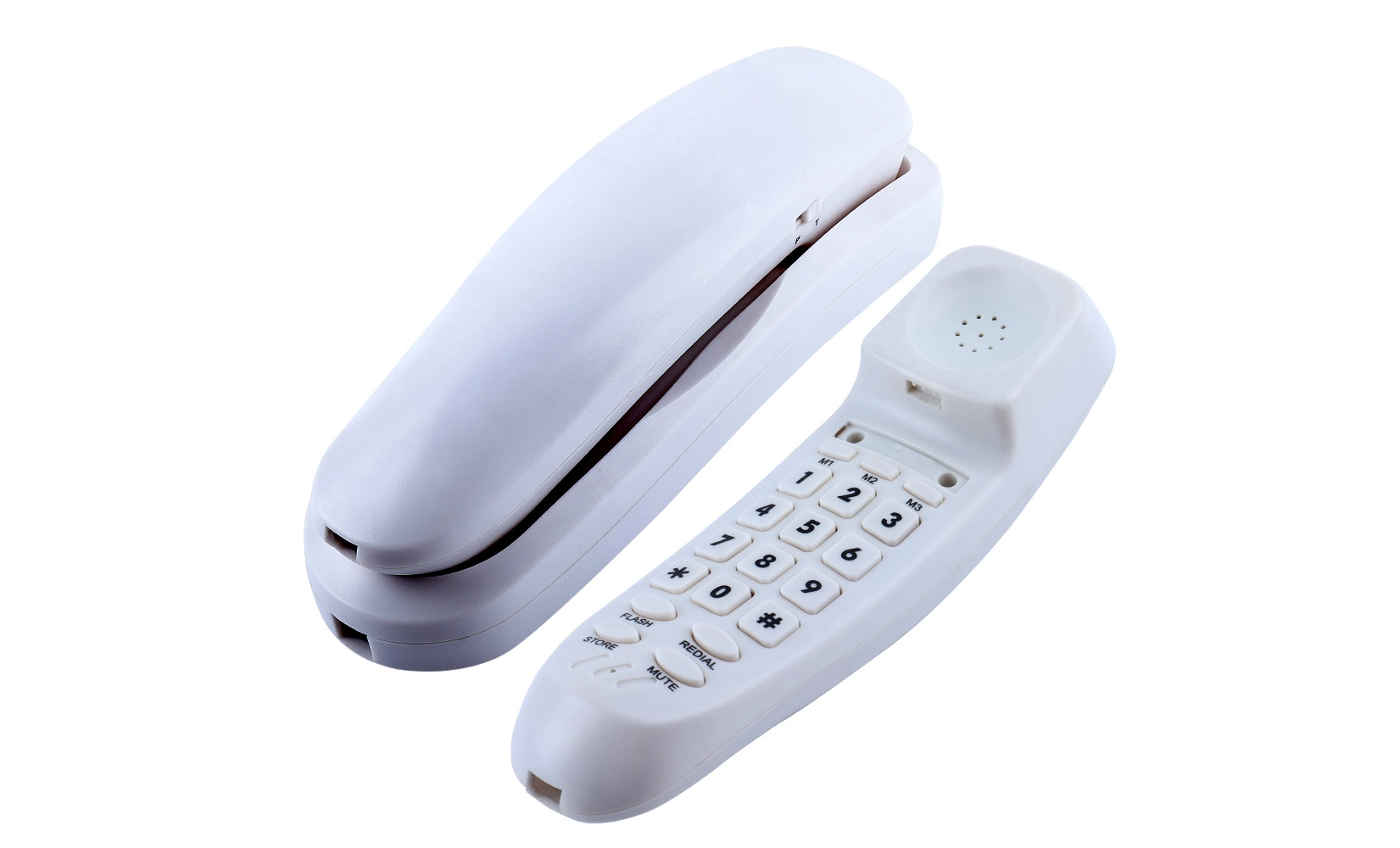
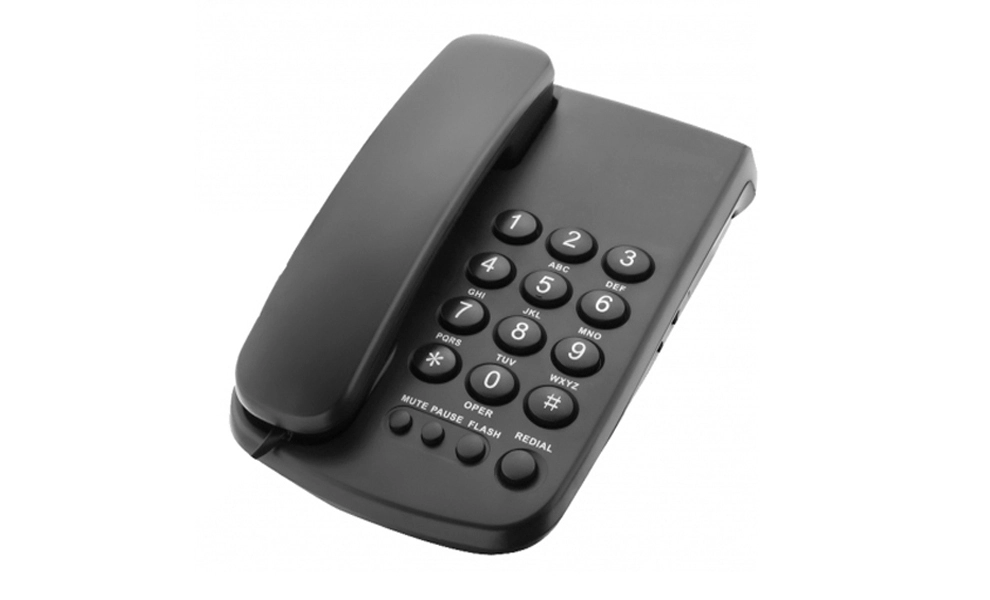
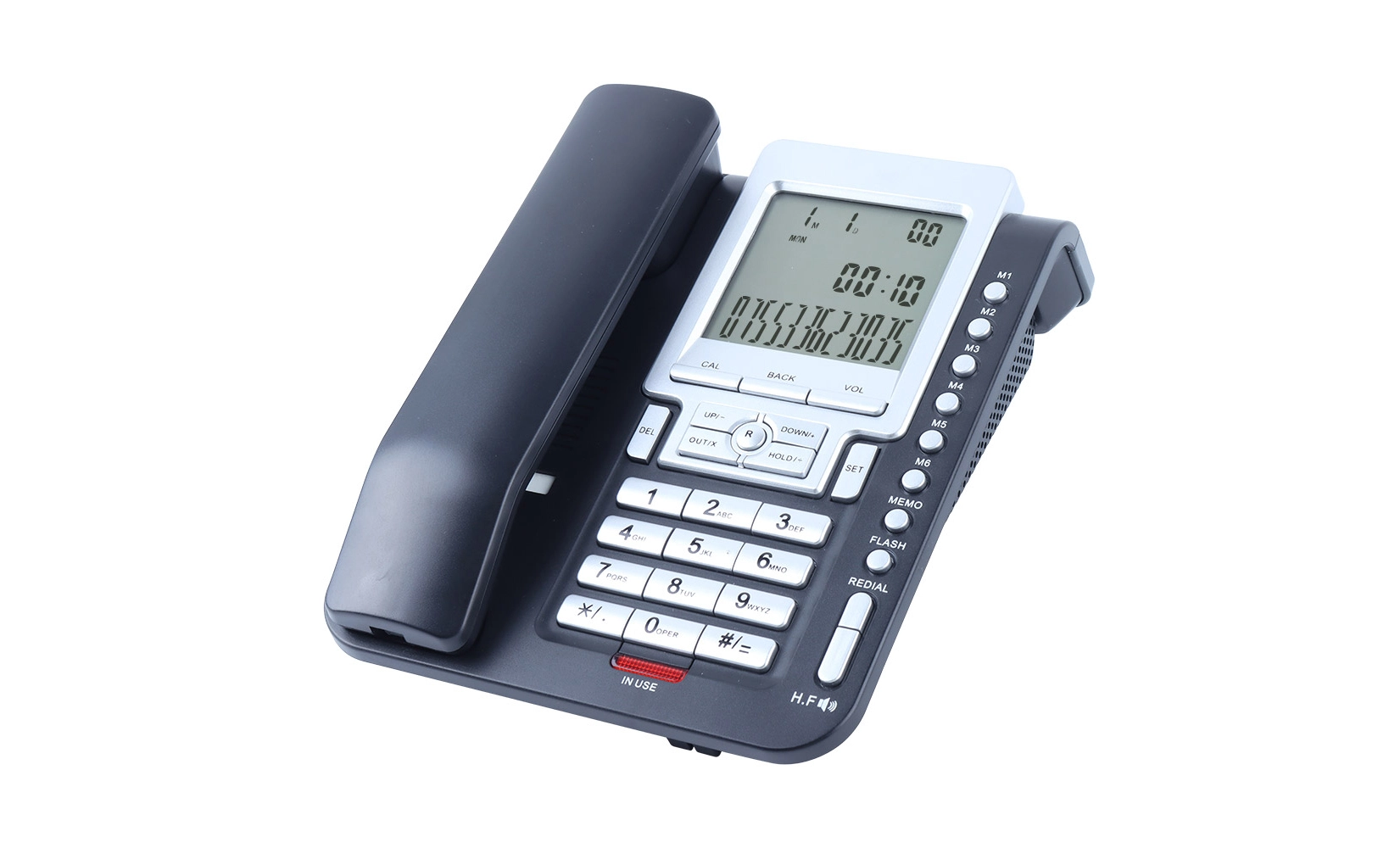
One of the most obvious things about these phones is that they have very big buttons. The big, touchable keys and simple layout make it easy for seniors with bad eyesight or pain to call the right number. Lighting from behind the buttons makes them easier to see in the dark. In the same way, these phones use big, high-contrast text to make sure that caller ID, menu options, and other important information are easy to read.
Amplified Sound and Hearing Aid Compatibility
Talking on the phone can be difficult for people who lose their hearing, which a lot of them do. Using strong speakers that make the sound clearer and louder, easy-use big button phones solve this issue. Some types let people turn the sound up really high, so even people who can't hear well can have calm conversations. Also, many of these phones are compatible with hearing aids, which lower the noise and improve sound for people who use hearing aids.
Emergency Features and Speed Dial Options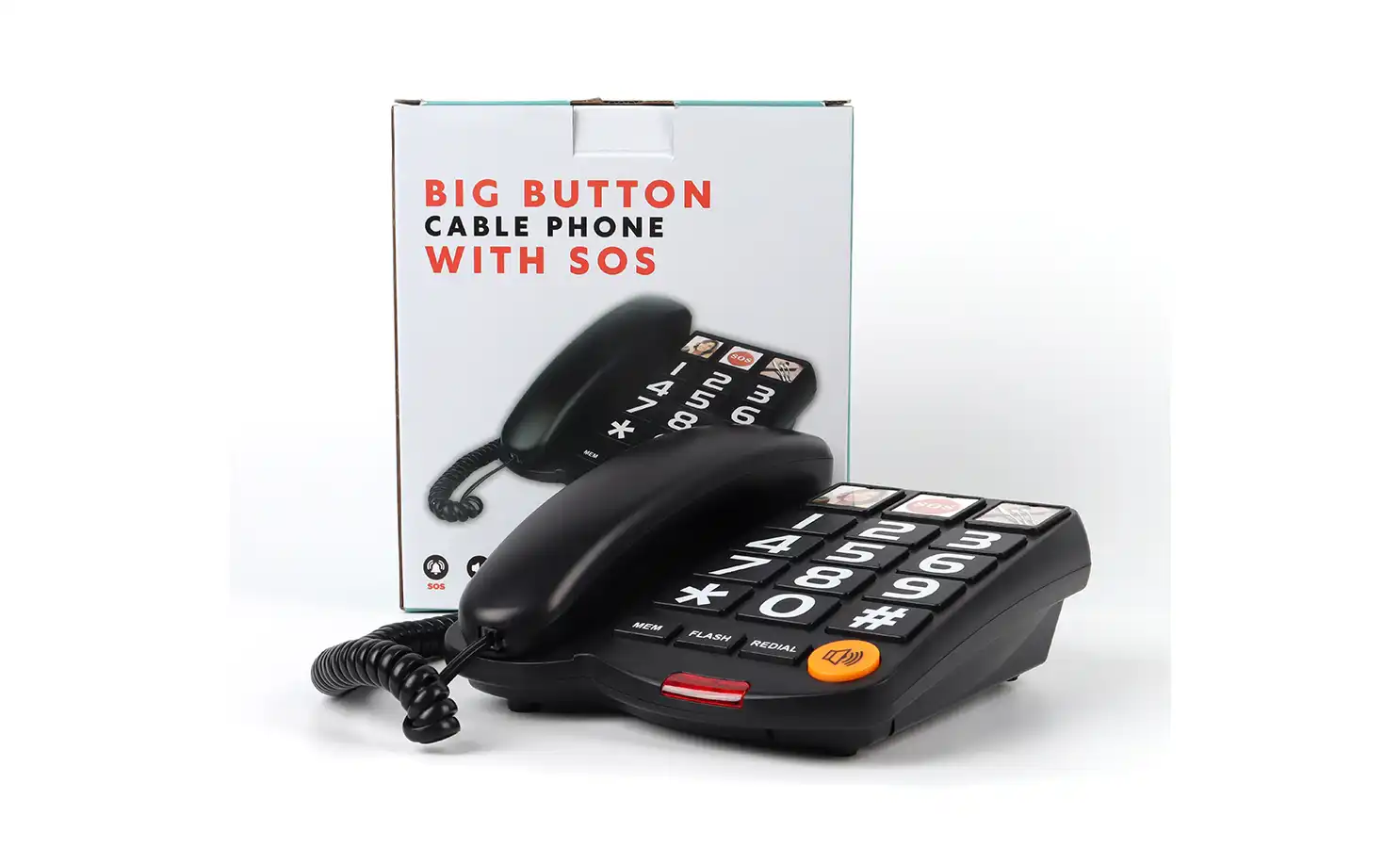
Safety is very important for adults who live by themselves, and big button phones that are easy to use often come with emergency tools to help. Many types have an emergency button that can call pre-set numbers or reach emergency services when hit. Speed dial is another well-liked feature because it lets seniors quickly call their most important friends with just one button. With these perks, people and their families can rest easy, knowing that help will come if they need it.
Choosing the Right Easy-Use Big Button Phone for Your Needs
Carefully consider the needs and wants of an old person living alone when picking out a big button phone that they'll be able to easily use. These gadgets have a lot in common, but some of them are made and work in ways that make them better for certain people. Consider these things when you make up your mind:
Assessing Cognitive and Physical Abilities
When picking out an easy-to-use big button phone for someone, you should think about their mental and physical abilities. For adults who have memory issues, a simpler phone with less functions might work better. People who have trouble with balance, on the other hand, may find phones with very big buttons or talking by voice easier to use. Some phones even let you speed dial people by picking their picture. This can be helpful for older people who have trouble remembering numbers or reading small text.
Considering Additional Features and Compatibility
Keeping things simple is a good idea, but some people may want extra features that make it easier for them to talk to others. For instance, some straightforward easy-use big button phones have caller ID, message boxes, or even basic smartphone features built right into them. Adding useful features while keeping the app easy for users is a good balance to find. Also, consider how the phone will work with things you already have at home. For instance, figure out whether it requires a cable to work or if it can connect to cell networks.
 Evaluating Battery Life and Charging Options
Adults who live alone should have a phone with a battery that lasts a long time so they can be reached at any time. Look for ones that give you a lot of talk and backup time. Some phones come with useful charging cradles that make it easier for older people to charge their devices. Others may have additional battery options or low battery warnings to make people feel better about using them. When you look at these parts, think about what the person does and how they do it every day. This will help make sure they get the right phone.
Maintaining and Troubleshooting Easy-Use Big Button Phones
People who use big button phones need to know how to fix and take care of their phones in order to get the most out of them. These tools are supposed to be simple, but like all gadgets, they may have issues every now and then. Here are some common problems with these phones and some advice to keep them in good condition:
Regular Cleaning and Care
As time goes on, easy-use big button phones can pick up dirt, dust, and germs, which can change how well they work and how clean they are. Cleaning the device often will keep it looking good and running well. Use a soft cloth that is a little wet to clean the outside of the phone. The speaker and the buttons are what you need to pay attention to. A light soap solution can clean things better, but make sure the moisture doesn't get into any holes. Do not use strong chemicals or rough materials that could damage the phone's skin or parts.
Common Issues and Solutions
Even with proper care, easy-use big button phones that are easy to use may sometimes have issues. One common problem is that the sound quality is poor. This can often be fixed by checking the noise levels or cleaning the speaker and microphone areas. Check that the phone can ring and that you would be able to hear it even when it's not ringing. Electric kinds often have battery issues; be sure the battery is charged and in the right place. Make sure the phone is plugged in if it won't turn on. If it still won't turn on, try unplugging the device for a few minutes and then plugging it back in.
When to Seek Professional Help?
Some issues can be fixed at home, but others need to be fixed by experts. If your phone won't call, has static on the line, or looks broken, you should talk to the manufacturer's customer service or an expert. Adults who use these devices should have a family member or helper they can trust to help with hard repairs or get professional help when needed. Checking the phone often to make sure it works well can keep conversations clear and give seniors and their families peace of mind.
Conclusion
For the safety and freedom of people who live alone, having an easy-use big button phone is crucial. They make sure these devices have big buttons, a loud sound, and emergency features so that older people can more easily stay in touch with family and get help when they need it. When choosing a phone, you should think about each person's needs, mental and physical abilities, and desired features. As long as these phones are properly cared for and maintained, they can be used for years so that people can always contact each other. This gives adults and their families peace of mind. As technology advances, we can expect to see even more creative solutions tailored to the specific needs of seniors. These will help them live a better life and stay independent.
FAQ
With big button phones, do hearing aids function?
Many easy-to-use big button phone models are actually hearing aid friendly. Hearing Aid Compatibility (HAC) is a useful feature that lowers distortion and improves sound for people who use hearing devices.
In an emergency, can these phones be used?
Yes, many basic big button phones have emergency features, such as SOS buttons, that can be set to call emergency services or particular friends in an emergency.
How long do cordless big button phones' batteries normally last?
Although the battery life changes from model to model, many handy big button phones offer several hours of talk time and several days of sleep. To get detailed information about how the battery works, it's smart to look at each model's specs.
Best Easy-Use Big Button Phones for Seniors Living Alone | CHEETA
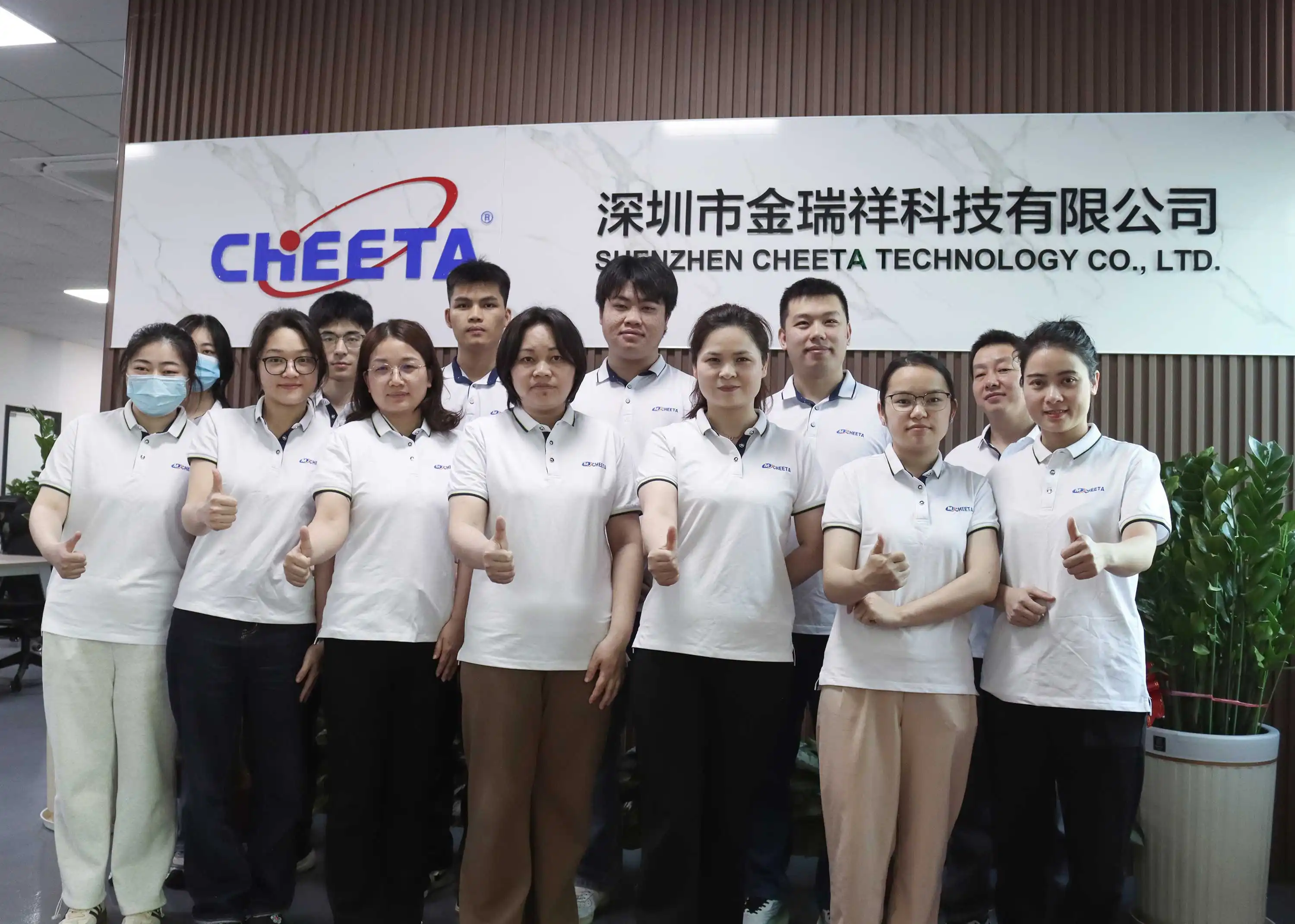
At CHEETA, we make big button phone that are easy to use and meet the needs of adults who live alone. Our factory in Shenzhen makes 1,000 analog units every day, which ensures quick delivery of high-quality, reliable devices. We have been doing OEM/ODM services for over 18 years. Our phones have to meet CE and ROHS guidelines. Fewer than 1% fail the 11-step check. Our goods can be fully customized to meet your needs. We have phones that are easy for seniors to use. To get more information, please email our sales team at allen@cheeta.com.cn.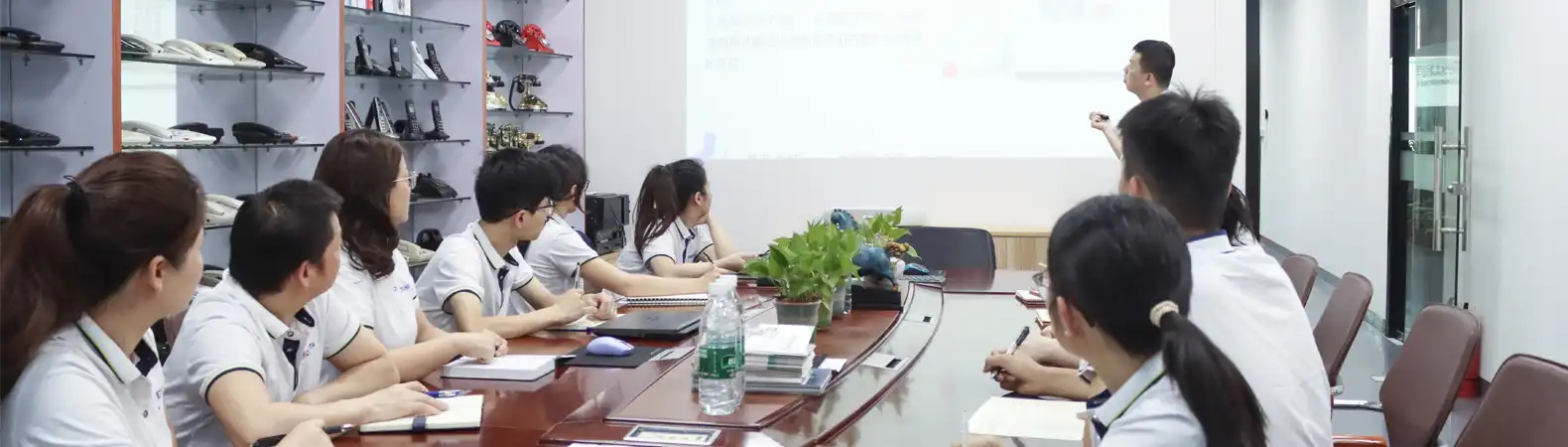
References
1. Johnson, M. (2022). "Adapting Technology for the Elderly: A Comprehensive Guide to Easy-Use Phones." Journal of Gerontechnology, 15(3), 78-92.
2. Smith, A. & Brown, L. (2023). "The Impact of User-Friendly Communication Devices on Senior Independence." Aging & Society, 28(2), 145-160.
3. National Institute on Aging. (2021). "Choosing and Using Digital Devices for Older Adults." Senior Health and Technology Report.
4. Lee, K. et al. (2022). "Design Principles for Accessible Telecommunication Devices for the Elderly." Human Factors in Telecommunications, 19(4), 302-318.
5. Williams, R. (2023). "The Evolution of Senior-Friendly Telephone Technology: A Market Analysis." Telecommunications Industry Review, 37(1), 55-70.