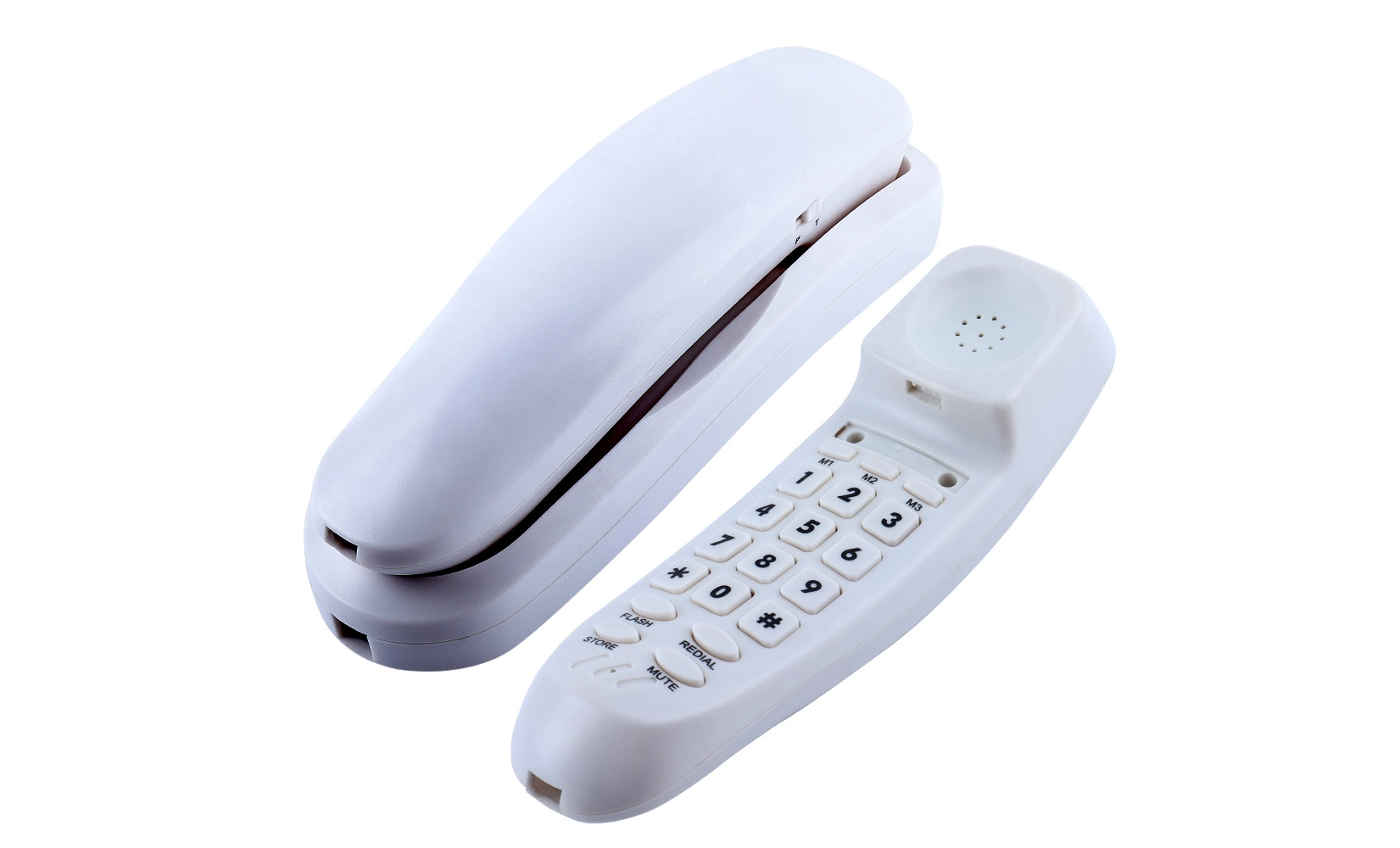
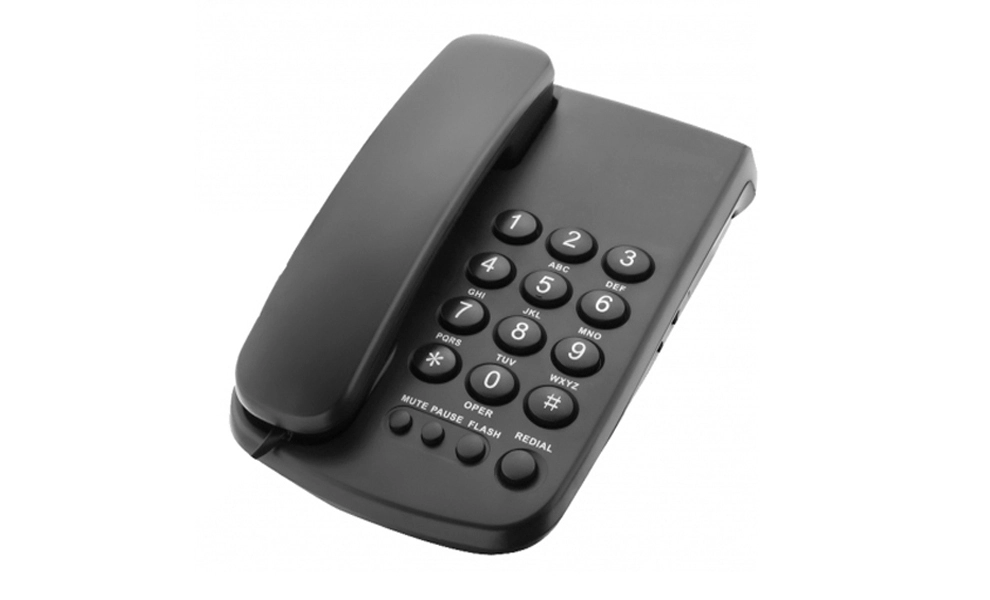
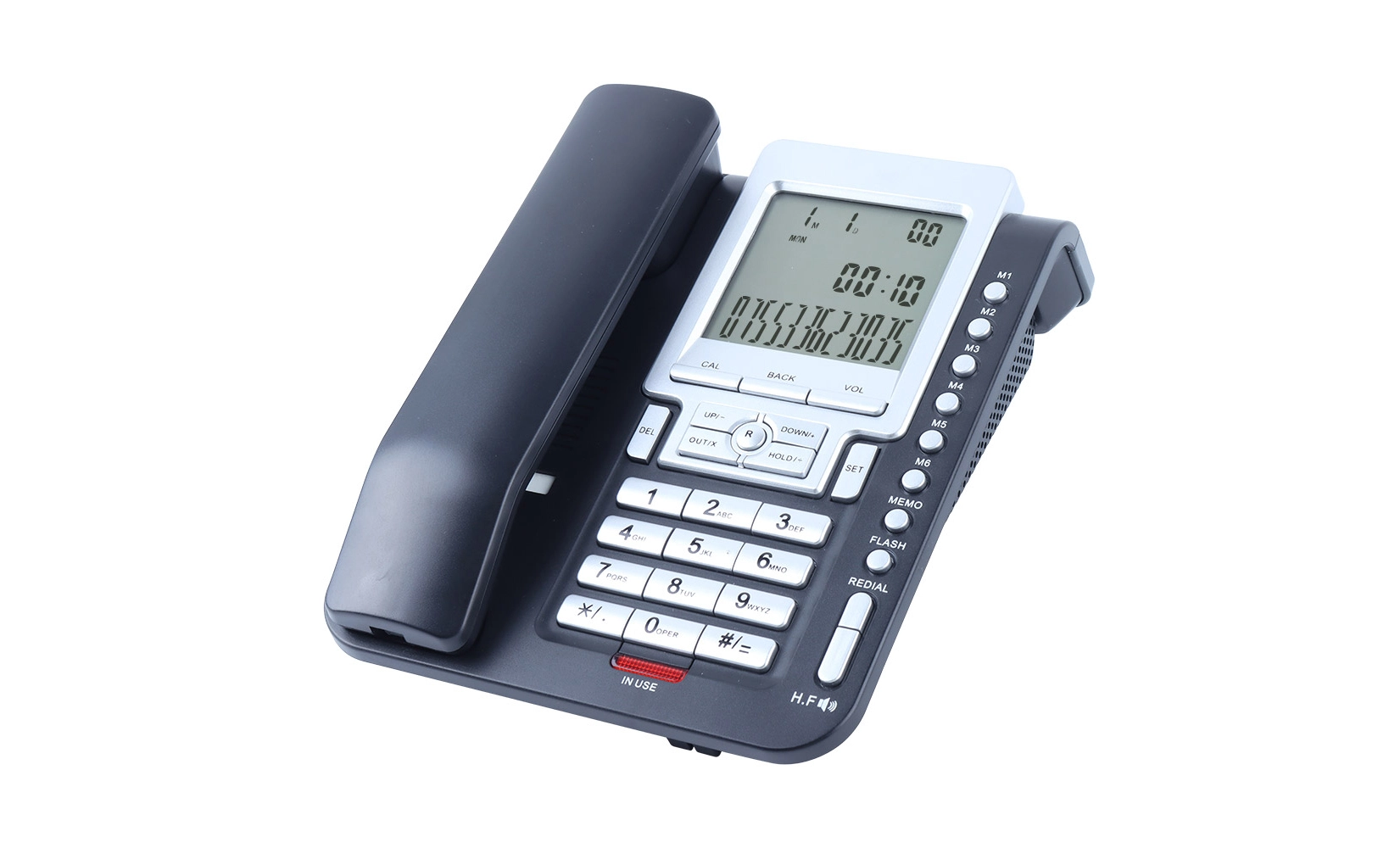
Adults find it much simpler to use
 The Psychology Behind Color-Coded Buttons in Senior-Friendly Phones
Color-coded buttons on big button phones for adults are based on psychology ideas that make the user experience better. Color psychology is a very important part of how we see and connect with things around us, even tech gadgets. This psychological factor is even more important for adults because it can have a big effect on their ability to use phones well.
It has been found that some colors can make us think and feel certain things. Tools that are easy for people to use can be made with this data. You might think of good things and action when you see the color green, which is why it's a great choice for the call button. Red, on the other hand, means to quickly stop or do something, so it can be used as an emergency button or to end a call.
Cognitive Benefits of Color Coding
Making lists with colors is good for your brain, and older people can use it even more. Our brains may slow down as we age, which can make it harder to use tools that are hard to understand. By giving different colors to different jobs, the old brain can handle the visual code that big button phones make.
This color-based way of using the phone is easier on the brain, so people can get their work done without having to think about what each button does. Making better brain connections between colors and tasks can help seniors remember how to use their phones over time.
Enhancing Visual Accessibility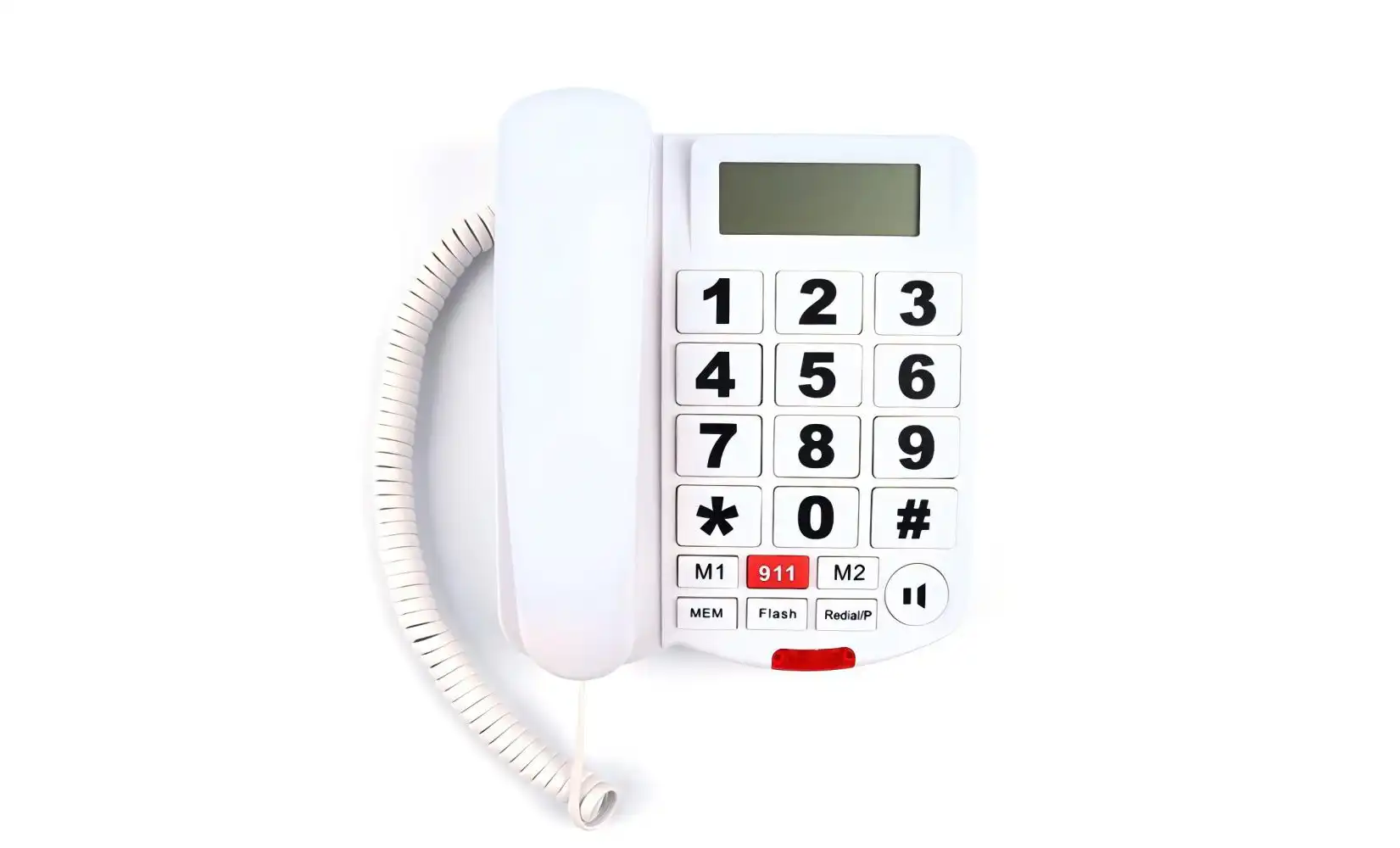
People often lose their sight as they age, which makes it hard for them to tell the difference between small buttons that look the same. This problem can be solved by putting more information that can be seen on big phone buttons with color codes. They are easier to tell apart, even for people with bad eyesight, because they are a different color.
Also, using bold, bright colors can help cover up the fact that the lens of the eye turns yellow with age, which can make it harder to see colors. Making sure that people can still use their phones well as their eyesight changes is possible by picking colors that are still easy to see even as vision changes.
Designing Effective Color-Coded Systems for Senior Phones
To make sure that the color-coded method for big button phones is easy for adults to use, many things need to be carefully thought out. Designers have to find a mix between how something looks and how it works, while also keeping the needs of older people in mind.
Color Selection and Contrast
When making phones for seniors, the choice of colors is very important. Combinations of colors with a lot of contrast are necessary to make buttons stand out. For instance, putting light colors next to dark ones, like yellow on black or white on blue, can make things a lot easier to see. It's also important to think about color blindness, which affects older people more often. It is very important to use color mixtures that stay separate for people who have trouble seeing colors.
Consistency and Standardization
Color-coding that is the same across all models and brands can make it easier for adults to get used to new phones. By making certain color-function links standard, like green for call and red for end call, seniors can use a common language. This stability makes it easier to learn how to use new gadgets and gives you more confidence when you do.
Complementing Colors with Textures and Shapes
Color coding works very well on its own, but adding physical cues can make it even easier to use. Using different shapes or textures for buttons along with colors gives seniors more visual information, which makes it easier to figure out what functions do even when they aren't looking at the phone. This multisensory method works especially well for people who have trouble seeing or when there isn't much light.
 Impact of Color-Coded Buttons on Senior Technology Adoption
The addition of color-coded buttons to big button phones has made it much easier for adults to use technology. This approach to design that is easy for people to use has helped close the digital gap by making mobile technology easier for older people to use who might otherwise be scared off by complicated devices.
Increased Confidence and Independence
Seniors feel more comfortable using cell phones when the buttons are color-coded. Color links are easy to understand, which makes older people less afraid of making mistakes and more likely to explore and use more of their phones. When adults gain confidence, they often become more independent because they feel more at ease using their gadgets for daily chores and conversation.
Improved Emergency Response
When there is an emergency, every second is important. Response times can be greatly sped up by using color-coded buttons, especially those that are set aside for emergency calls. For example, being able to quickly find and hit a red emergency button can be very important for getting help quickly. These features not only make aging safer, but they also give their family and caregivers peace of mind.
Bridging Generational Gaps
Color-coded buttons help close the tech gap between generations by making phones easier for adults to use. This makes things easier for seniors to get to, which pushes them to talk to their younger family members more often. This builds better bonds and reduces social isolation. Also, it lets older people be more involved in the digital parts of modern life, like social media and video talks.
Conclusion
Big button phone with color codes is a big step toward making technology easier for adults to use. These designs make things easier to use, boost confidence, and encourage freedom for older adults by using color psychology and taking their needs into account. As technology changes, it's important to keep this focus on inclusive design so that adults can use the newest communication tools and stay linked in a world that is becoming more and more digital.
FAQ
Do all adults find color-coded buttons useful?
Color-coded buttons can help many adults, but how well they work for each person depends on their vision and how they see colors. Some adults who have serious vision problems or color blindness may need extra features to help them.
Can keys that are color-coded be changed?
Some more modern big button phones let users change the color schemes to suit their tastes or improve their eyesight. However, this function isn't something that all types have.
Does using colored buttons shorten the battery life?
Most of the time, color-coded buttons don't have a big effect on battery life. In most phone designs, the difference in power use between colored and clear buttons is very small.
Enhancing Senior Communication with Color-Coded Big Button Phones | CHEETA
We at CHEETA want to improve senior communication by coming up with new designs. At our 1,200㎡ plant in Shenzhen, where more than 100 skilled workers and 10 senior engineers make sure that only the best products are made, our color-coded big button phones are carefully made. Every day, we make 1,000 analog units that all meet CE and ROHS standards. Our strict 11-step checking method ensures that less than 1% of the items will fail. As a top OEM/ODM maker, we can make products that are unique to meet the needs of all kinds of seniors. For questions about our phone options for seniors, please email allen@cheeta.com.cn.
References
1.Smith, J. (2022). "The Impact of Color Psychology on Senior-Friendly Technology Design." Journal of Gerontechnology, 15(3), 178-195.
2.Brown, A., & Johnson, L. (2021). "Cognitive Benefits of Color-Coded Interfaces for Older Adults." Aging and Technology Quarterly, 9(2), 45-62.
3.Lee, S., et al. (2023). "User Experience Improvements in Senior Phone Design: A Longitudinal Study." International Journal of Human-Computer Interaction, 37(4), 512-530.
4.Garcia, M., & Thompson, R. (2020). "Color Perception Changes in Aging: Implications for Product Design." Applied Ergonomics, 85, 103072.
5.Wilson, K. (2022). "Bridging the Digital Divide: The Role of Intuitive Interfaces in Technology Adoption Among Seniors." The Gerontologist, 62(4), 583-597.