 Setting up a
 Understanding Landline Wiring Basics
The Anatomy of Telephone Wiring
The basic telephone setup is supported by landline wires. Twisted pair lines make up most of telephone wiring. These usually have four wires—red, green, yellow, and black. The green and red wires are main and carry the ring tone and voice. The yellow and black wires are secondary and are used for extra features or lines. In today's setups, old phone wires are often swapped out for Cat5e or Cat6 lines, which work better and are more flexible. These cords have eight wires each, so they can connect more than one phone line or transmit more than one data stream at a time.
Inside and Outside Wiring: What's the Difference?
There are two main types of telephone wiring: inside wiring and outside wiring. The telephone company takes care of outside wire that goes from the central office to your property's Network Interface Device (NID). Inside wire starts at the NID and goes on to connect to each phone jack in your home or office. Knowing this difference is very important when you are trying to fix problems or set up something new. The person who owns the home usually takes care of the wiring inside, while the service provider looks after the wiring outside.
The Role of the Network Interface Device (NID)
The Network Interface Device is the place that separates the telephone company's network from the wires in your home or business. This small box, normally fixed on an outside wall, has a test jack and parts that protect the electronics inside. The NID makes it easy to find problems because it helps you figure out if they are coming from the provider's network or your own wires. Knowing where the NID is and what it does can help you save time and effort when setting up a basic telephone setup or when troubleshooting connection.
Interface Compatibility and Connection Types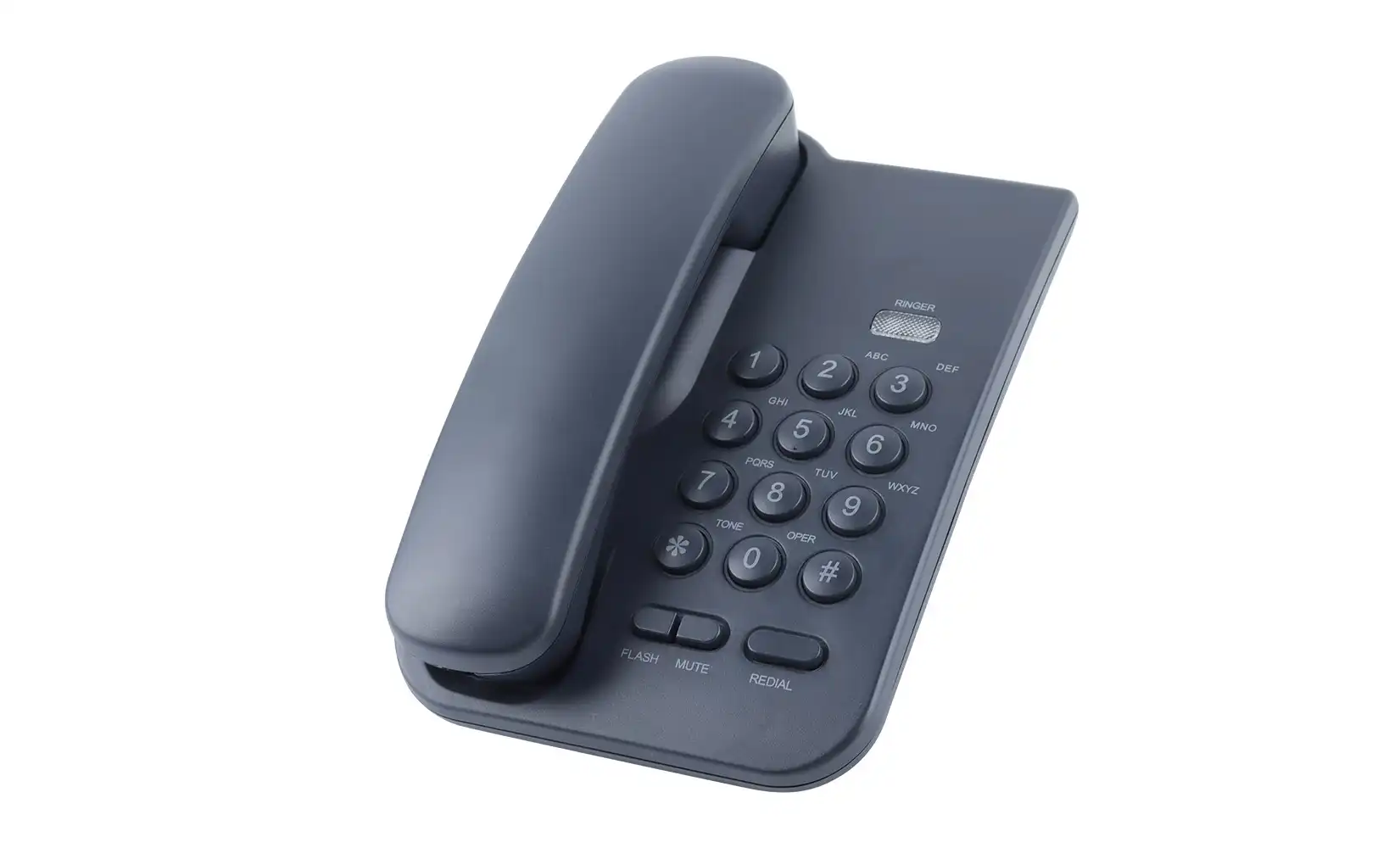
RJ11 Jacks: The Standard for Basic Telephones
Basic telephone calls are typically made using RJ11 (Registered Jack 11). This modular connection has six spots and two wires (6P2C), but single-line phones usually only use the center two pins. For connecting basic telephones to home networks, RJ11 jacks offer a straightforward, plug-and-play option. Make sure the phone cord has RJ11 ports on both ends before setting up a basic telephone. Landline phones made today mostly come with these standard plugs, which make it easier to connect.
Alternative Interfaces: RJ14 and RJ25
RJ11 is the norm for phones with one line, but there are other types of phones with more than one line. RJ14 jacks have four wires (6P4C) that can each be used for two phone lines, but RJ25 jacks have six wires (6P6C) that can each be used for three lines. Matching the right jack type to your phone's powers is crucial when setting a basic telephone system with numerous lines. Most basic telephones are made to work with just one line and can be plugged into RJ11 jacks, but you should always make sure your phone and jack are compatible before using them.
Digital vs. Analog: Ensuring Compatibility
Basic phones usually work with analog messages, which are different from the digital phone systems that are common in offices. Verify that your home service offers analog connection before configuring a basic telephone. Digital phone systems might need certain connections or phones that work with them in order to work properly. Call your phone company to make it clear what kind of service you have if you're not sure. If you use an analog phone on a digital line without making the right changes, you could get bad call quality or no service at all.
 Step-by-Step Basic Telephone Setup Guide
Preparing for Installation
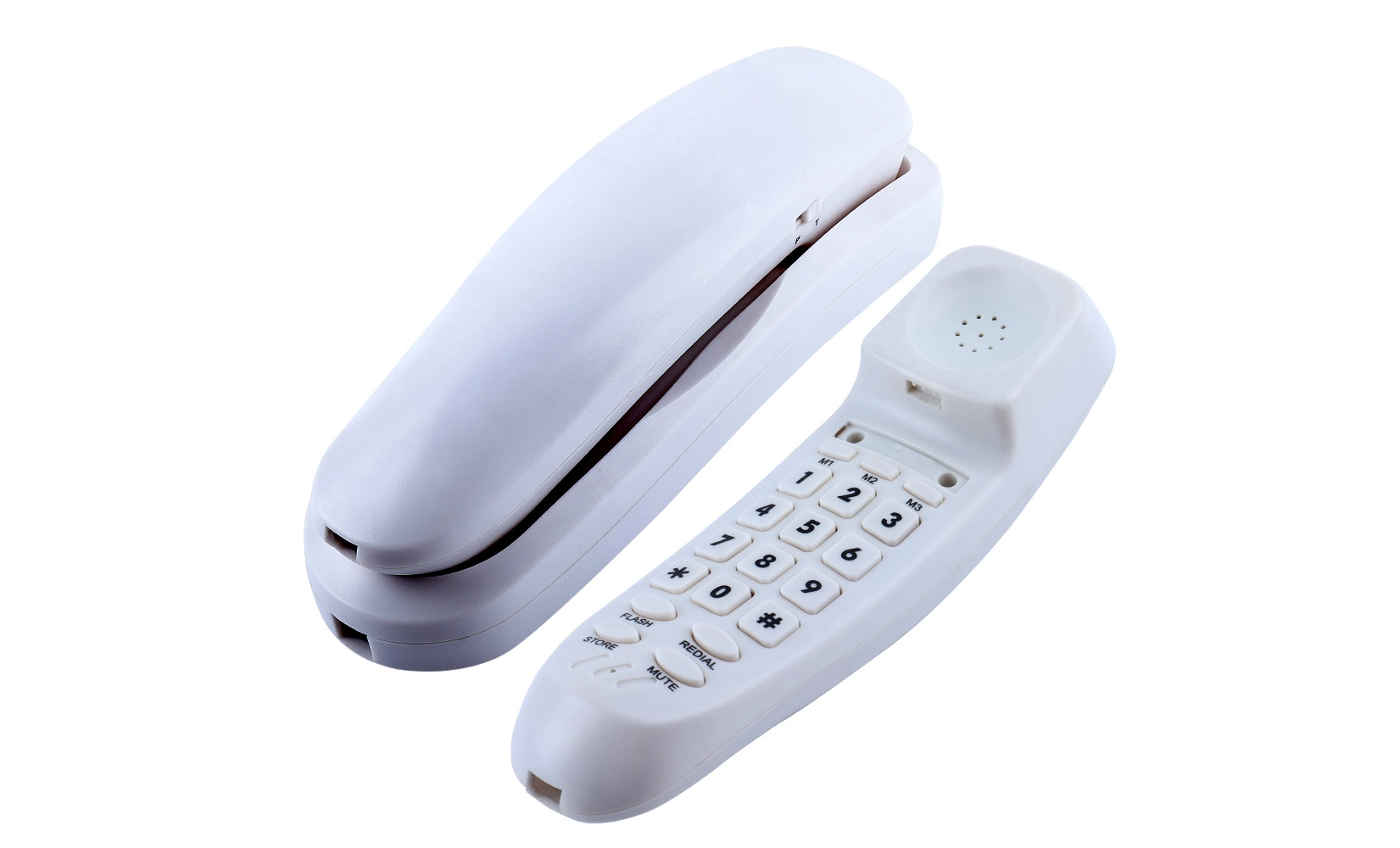
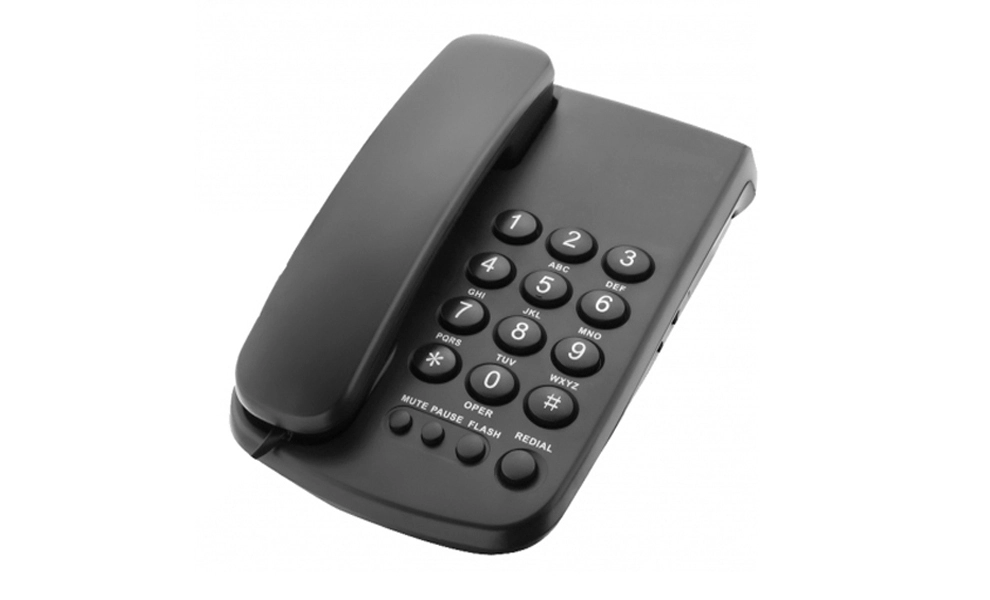
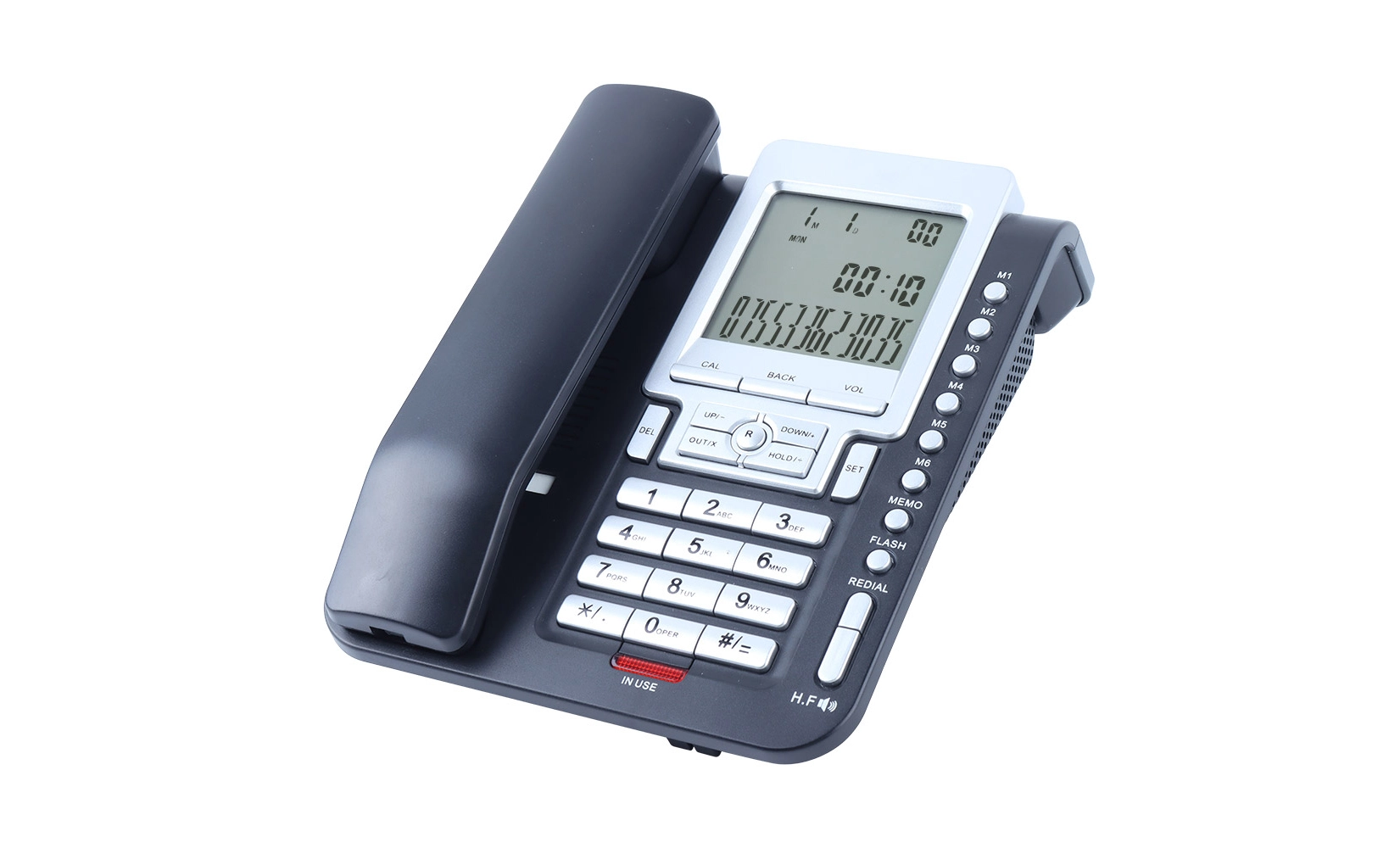
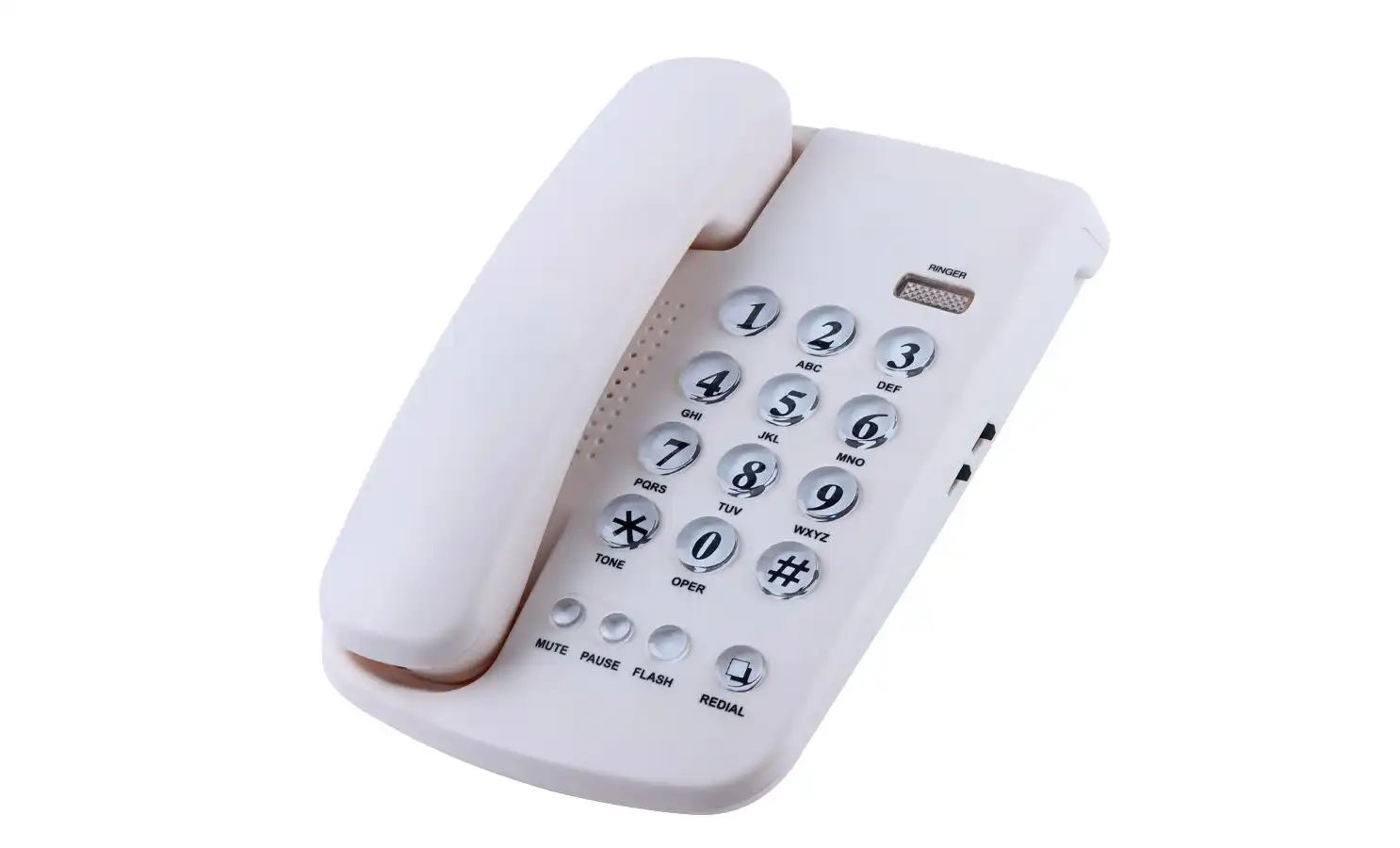
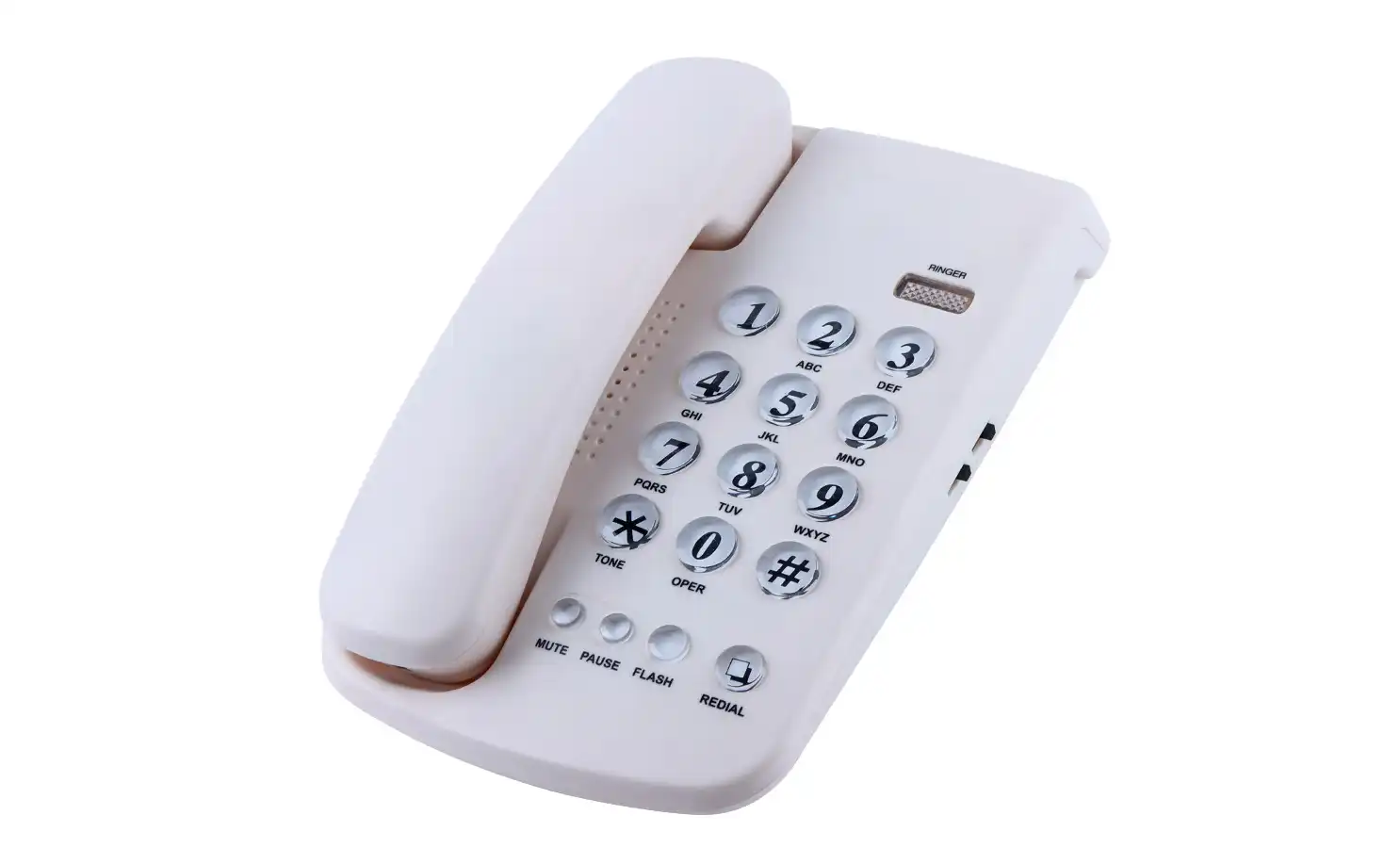
Gather the equipment and supplies you'll need to set up your basic telephone system. You need:
• An RJ11-compatible basic telephone
• A phone cord, in case the phone itself doesn't come with one
• A screwdriver (for placements on the wall)
• Clips or screws for cable (to hold the wiring in place)
Find the closest telephone jack where you want to be. You might have to put a jack if there isn't one. This could mean getting help from a pro or using extra tools.
Connecting Your Basic Telephone
To set up your basic telephone, do the following:
1. Find the phone jack in the place you've picked.
2. Connect the telephone line to your phone by plugging it into the RJ11 jack.
3. Put the wall jack's hole the other end of the line.
4. If your phone needs power for functions like a display or speakers, plug it into an outlet.
5. To be sure that the call went through, wait for a dial tone.
For phones that are placed on the wall, you may need to change the cellphone hook to make sure the right position when hung up. For detailed information on how to fix your phone to the wall, see the phone's guidebook.
Troubleshooting Common Setup Issues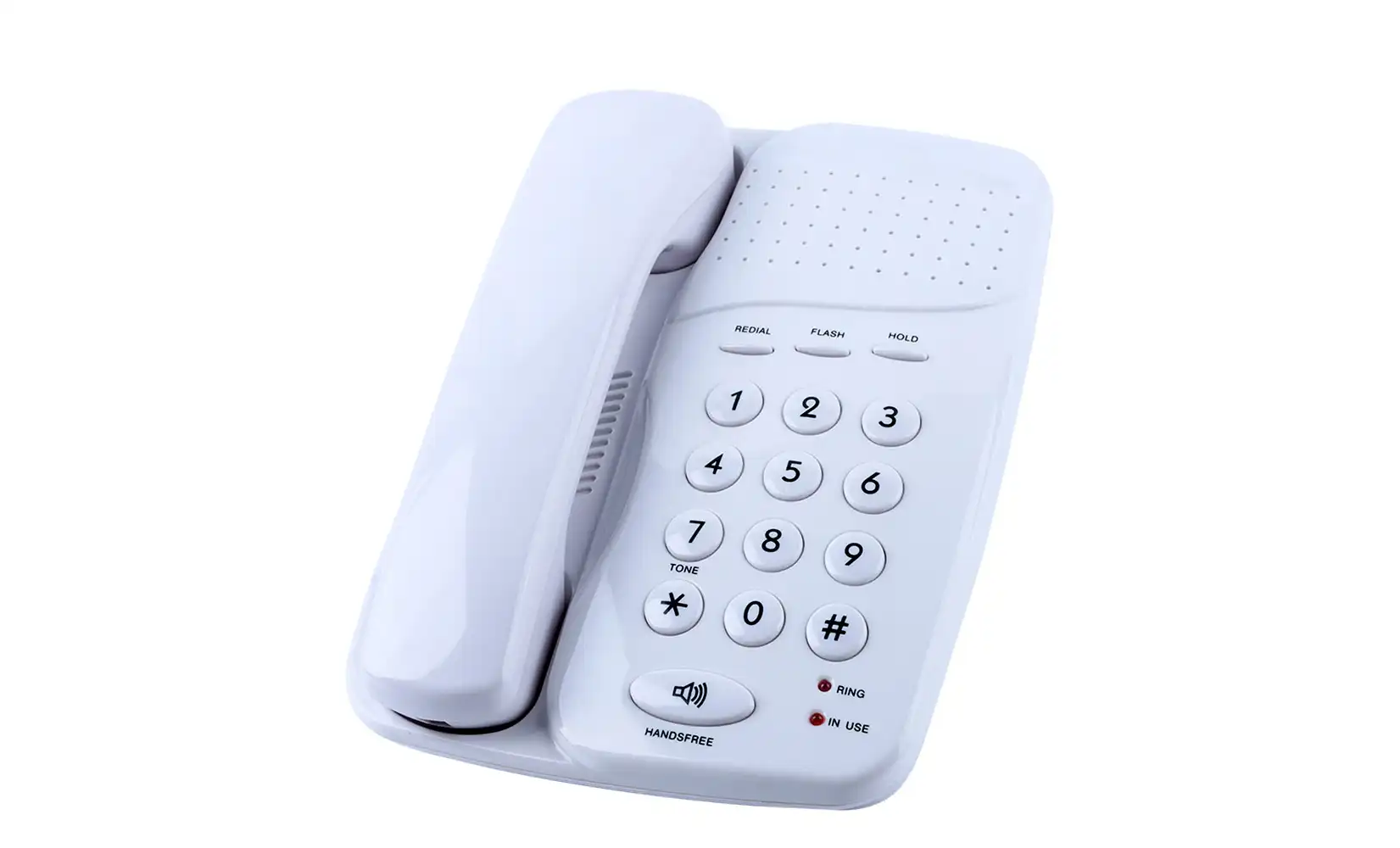
If you run into issues setting things up, follow these repair steps:
• No tone when you dial: To find out what's wrong, check all of the links and use a different phone.
• Noise or static on the line: Check for damage on the cord and make sure both ends are tightly connected.
• The phone doesn't ring: Check the phone's sound options and look for problems at the NID.
• Intermittent service: Look for loose wiring or interference from other electronic devices.
If the problems don't go away, call your phone service company for help. They can help figure out if the problem is with your gear or their network.
Conclusion
Although it may seem overwhelming, setting up a basic telephone is doable once you are familiar with wire wiring and interface compatibility. You can setup and keep your basic telephone system if you become familiar with its components, such as RJ11 jacks, NIDs, and the details of telephone wire. Remember to put safety first and get professional help with complicated setups or problems that won't go away. You can use this help to set up your basic telephone system so that you can talk clearly and reliably.
Plug‑and‑play analog phones from OEM factories | CHEETA
CHEETA has more than 18 years of experience as a top OEM/ODM maker making high-quality analog phones and other communication devices. Our 1,200 ㎡ plant, which has over 100 skilled workers and 10 top engineers, can make 1,000 analog units every day so that they can be delivered quickly. We are proud that we follow CE and ROHS standards and keep our failure rate under 1% by using a strict 11-step checking process. Global customers looking for dependable, cutting-edge communication solutions should work with us because we are committed to innovation, technical excellence, and quick service. To get more information about our phone goods, please email us at allen@cheeta.com.cn.