Preparing for Trimline Telephone Installation
Choosing the Ideal Location
For both ease of use and how well your Trimline Telephone works, it is important to choose the right place for it. To avoid breaking or disturbing something, consider going somewhere that is easy to get to and not very active. You can usually find them in kitchens, halls, or places that are close to home offices. Make sure the wall you choose is strong enough to hold up the phone and has a power outlet or phone jack nearby so it can charge and make calls. Also, think about how much noise is near you; putting the phone in a place where there isn't much sound can help make sure the talks are better.
Gathering Necessary Tools and Materials
Before you begin to repair something, be certain that you have all of the tools and supplies on hand. Most of the time, this comes with a drill that has the right bits and screwdrivers, like Phillips and flathead.
• Level
• Wall pegs (if you aren't putting the phone straight into a stud)
• Pencil to mark
• Putting bracket (usually comes with the Trimline Telephone)
• Telephone wire
• Clips for the wire (if needed)
Having everything ready will make the work easier, help avoid delays, and make sure that everything goes as expected with no extra stress or breaks.
Understanding Your Trimline Telephone Model
Discover the specific Trimline Telephone model you have. Types may have slightly different ways of installing them, so make sure to carefully read the install guide from the company that made it. Make a note of your phone's special needs or features, such as how it can be charged or fixed. Knowing this will help you avoid mistakes, correctly set up your phone, and get the most out of its features.
Step-by-Step Installation Process
Mounting the Bracket
To begin, place the wall mount where you want it and at the correct height. Use a level to make sure it's exactly straight. This will help the phone look professional and hang straight. Mark the locations of the screw holes with a pencil. If you aren't putting the mount directly into a hole, use wall screws to make sure it is stable and supported. Make test holes if you have to. Then, use the correct screws and a screwdriver or drill to put the bracket on the wall.
Connecting the Telephone Line
Next, plug the phone line into your Trimline Telephone to make the right link. If you're using a phone line that's already there, just plug it into the wall jack and make sure it clicks into place. For new setups, you may need to run a new line from the nearest telephone junction box. If that's the case, use the color codes to carefully strip the insulation from the ends of the wires and connect them to the right places on the phone or the hanging bracket.
Attaching the Trimline Telephone
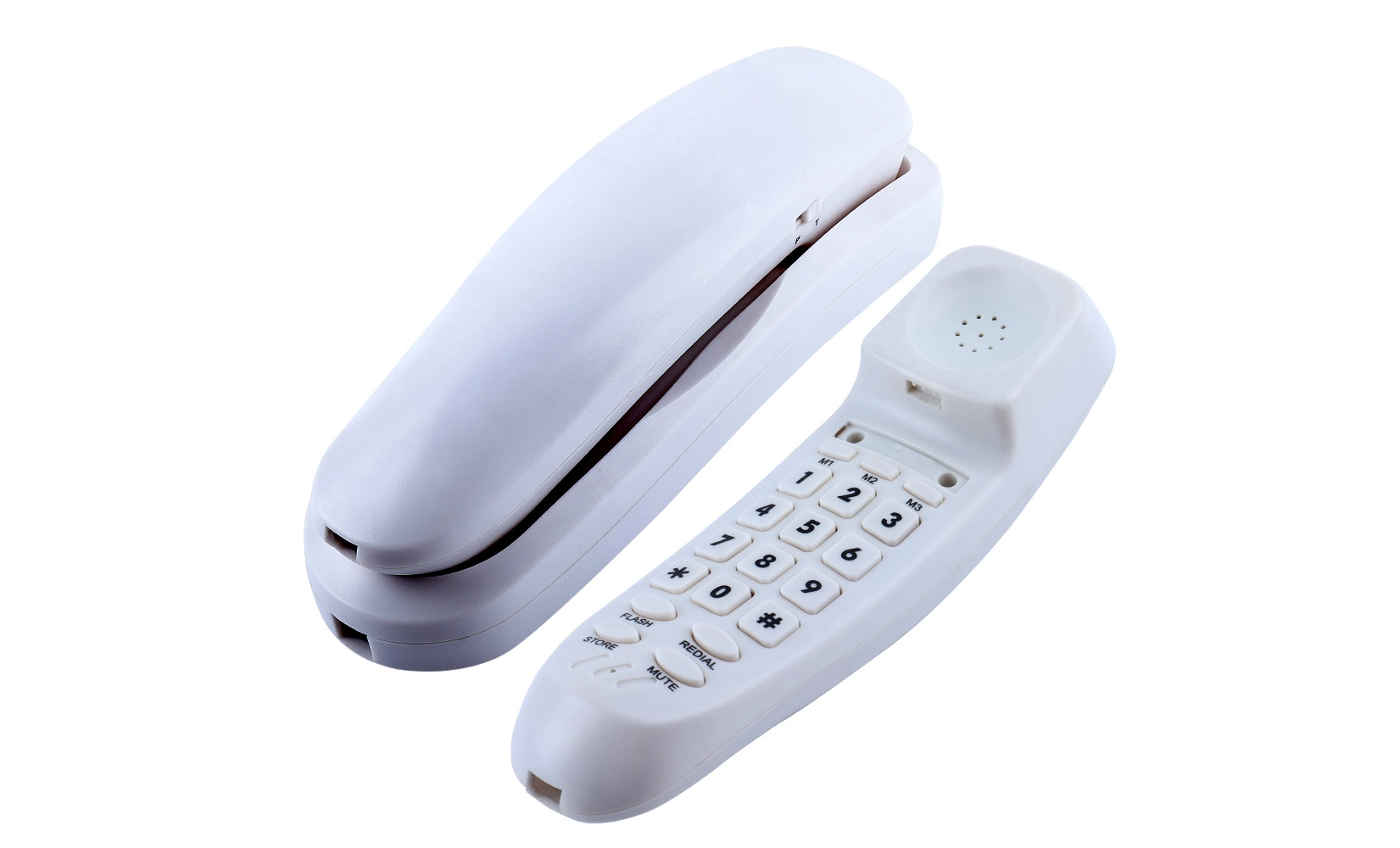
You can now join the Trimline Telephone to the wall frame since the phone line is connected and the mount is in place. Most types have a link device that snaps or slides in, making it quick and easy to fit. Carefully put the phone in place and press it until it locks or slides into place. Make sure the bracket is smooth against the unit and that it is level. Make sure the links and wires are still tight and working.
Troubleshooting and Optimization
Testing the Connection
After installing your Trimline Telephone, you should test it out to make sure it all works. As soon as you pick up the phone, look for a call tone right away. Test the call to make sure you can both hear each other clearly. If there is no dial tone, if calls keep dropping, or there is a lot of static, make sure all of your wires and cords are plugged in properly. Check that the phone line is put in right. To find exact ways to fix issues, check out the user directions for your model.
Adjusting for Comfort and Accessibility
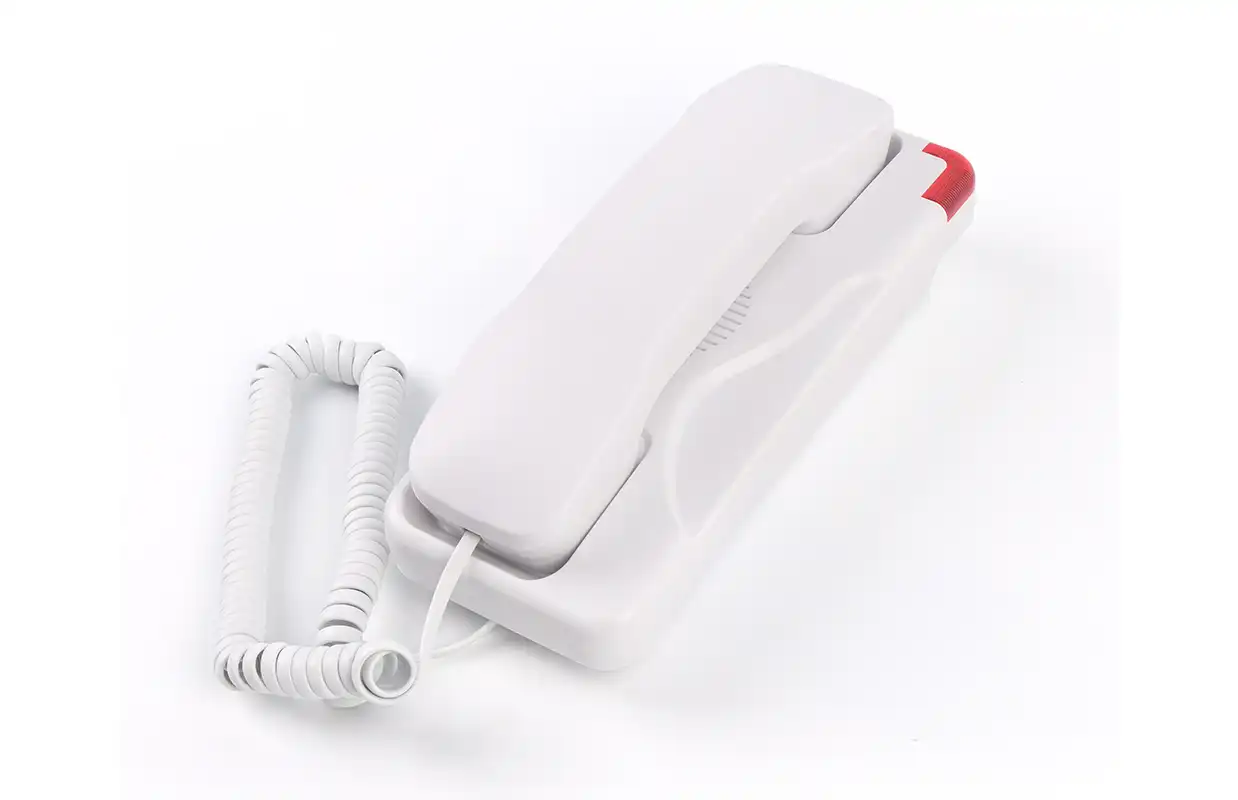
After getting your Trimline Telephone to work, you should change the settings so that they are comfortable for you and easy to use. This way, you can be sure that your phone fits your needs. You might need to change the call setting to fit your location, making it louder in places with a lot of noise and softer in places that are quiet. Set up speed dials for your most-called friends so you can get to them fast. Find any extra functions on your phone model, like redial, flash, or stop, and set them up. Also, make sure the line cord is long enough so you can move around without tangling it or putting too much pressure on the links.
Maintaining Your Trimline Telephone
Make an easy plan for how often to fix your Trimline Telephone so that it stays in good shape. Get the head, keys, and body clean by wiping them with a soft cloth that is a little wet. This will get rid of dust, fingerprints, and dirt. Don't use strong chemicals that might hurt the skin. Check the line links every once in a while to make sure they aren't breaking, wearing down, or coming undone. Check that the bracket is still hanging on the wall securely, and if you need to, make the screws tighter. Regular care not only makes your phone look good, it also makes sure it keeps working and acting well in the future.
Conclusion
Putting up a Slim Line wall mount Trimline Telephone is a good way to make your link system better and make your room more useful at the same time. Following these installation tips carefully will make sure that your Trimline Telephone is safely placed, properly connected, and ready to work at its best. Remember to choose the right location, gather all of the tools and supplies you'll need, and follow the manufacturer's directions exactly. If you set up your Trimline Telephone the right way and keep it in good condition, it will work for many years. It will make your home or office look better and work better.
Wall phones with easy mounting & compact layout | CHEETA
A lot of different kinds of wall-mounted and small analog phones are made by CHEETA, which is known as a top maker of the devices. Our plant is 1,200 square meters and has over a hundred trained workers and ten top engineers. With more than 18 years of OEM/ODM experience, we are able to make 1,000 analog units each day. Trimline Telephones and our other products comply with CE and RoHS regulations. An eleven-step process is used to make sure they can be trusted.
CHEETA's promise to quality is shown by our failure rate of less than 1%, which is very low. We focus on making custom solutions that use great technology, robots, and quick answers to help people all over the world. Our goods have styles that save room and work well in many different places, from hotels to businesses. For inquiries about our innovative telephone products, please contact us at allen@cheeta.com.cn.