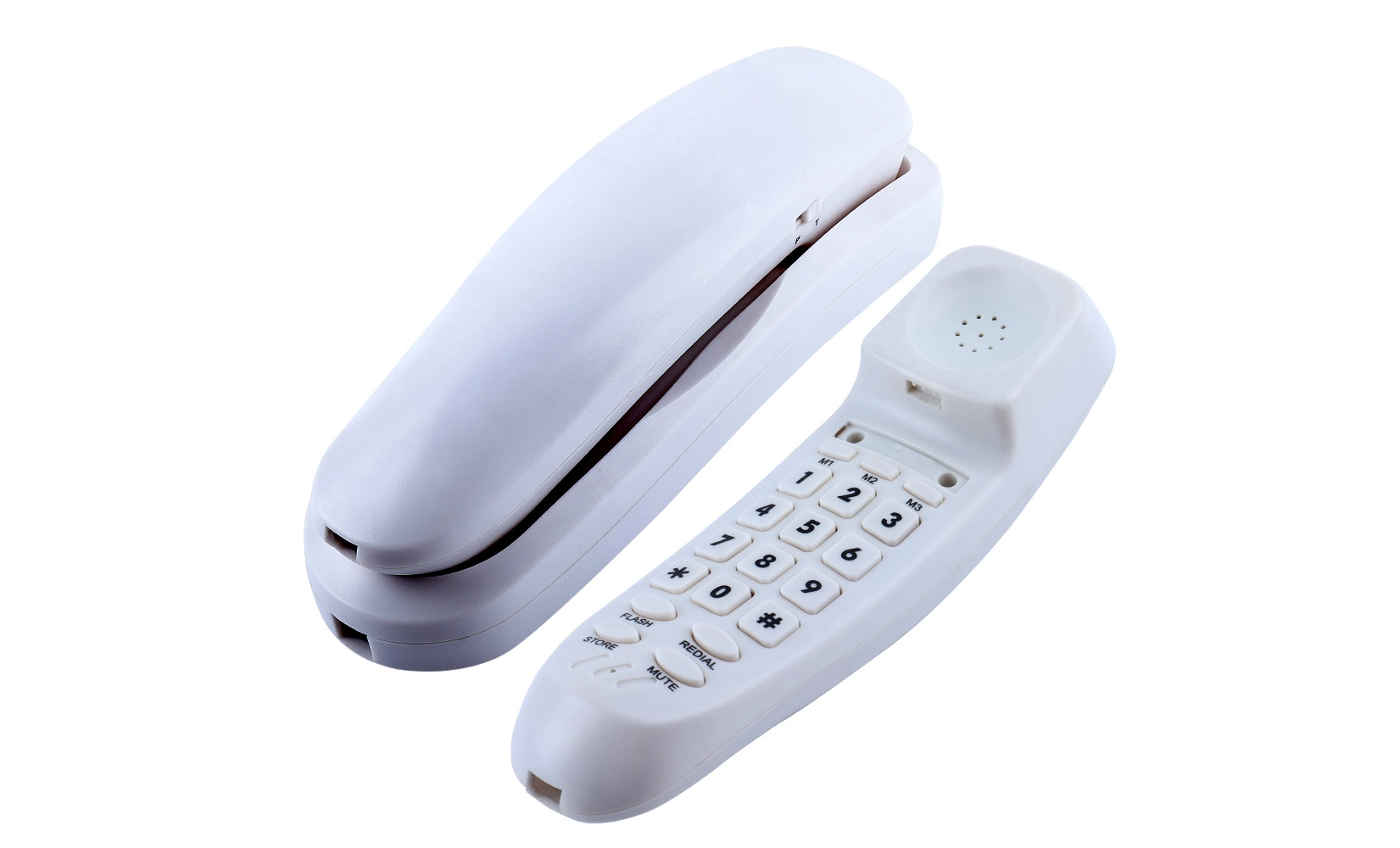
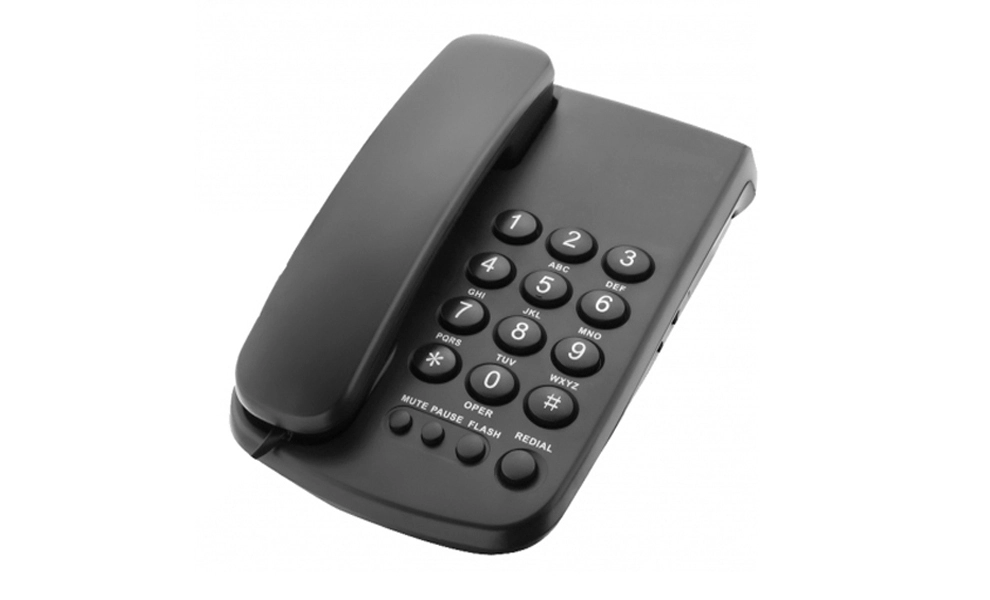
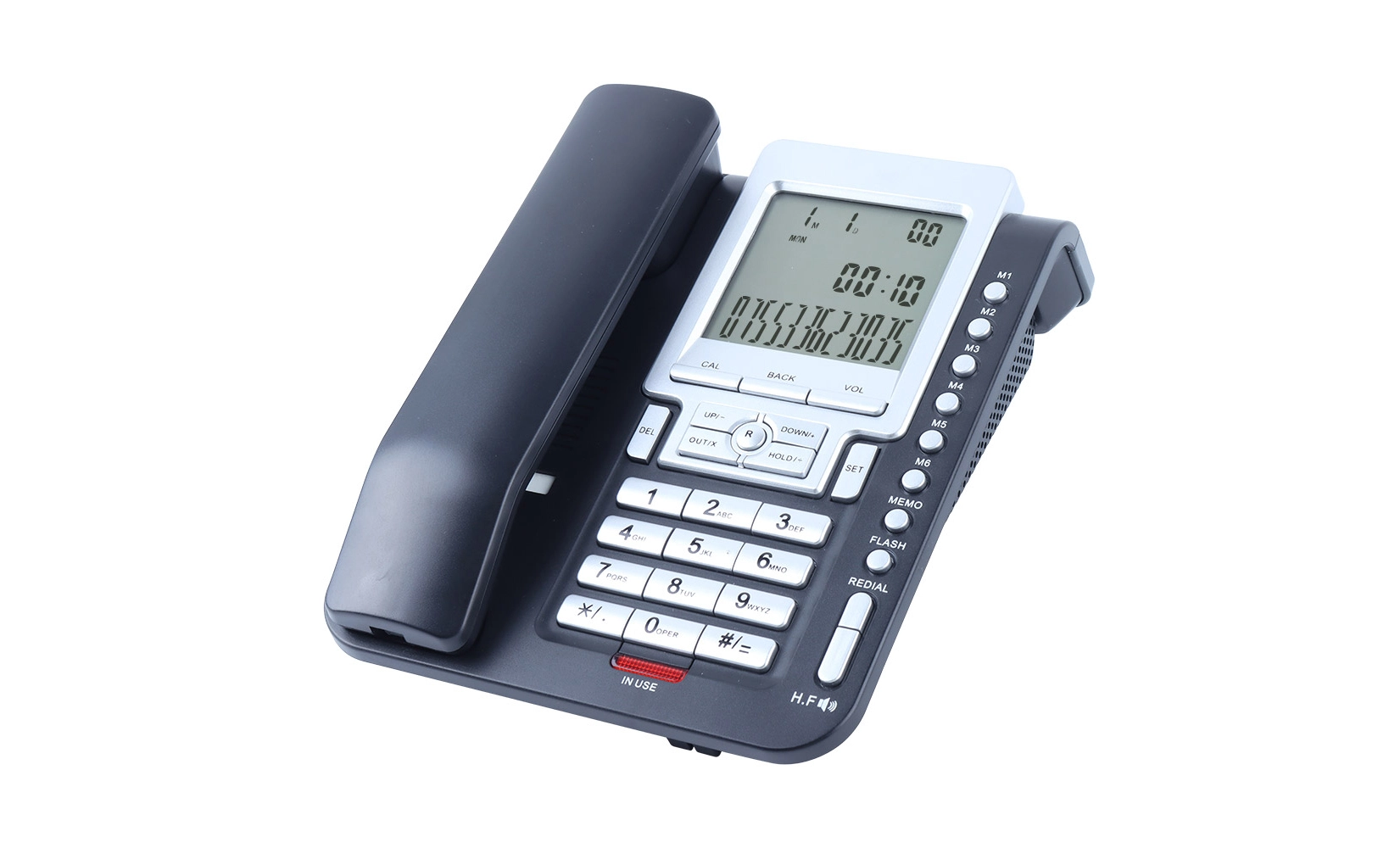
Make a list of things that you can't do your job without. Things like caller ID, call waiting, messages, speed dial, or the ability to work with your computer for voice-over-IP (VoIP) talks might be included. If you often work together with your team, you should get a phone with a built-in group call feature. A portable phone with a good range might be necessary for people who need to move around their home office. You can choose the best home office telephone by ranking these features in order of importance.
Exploring Different Types of Home Office Telephones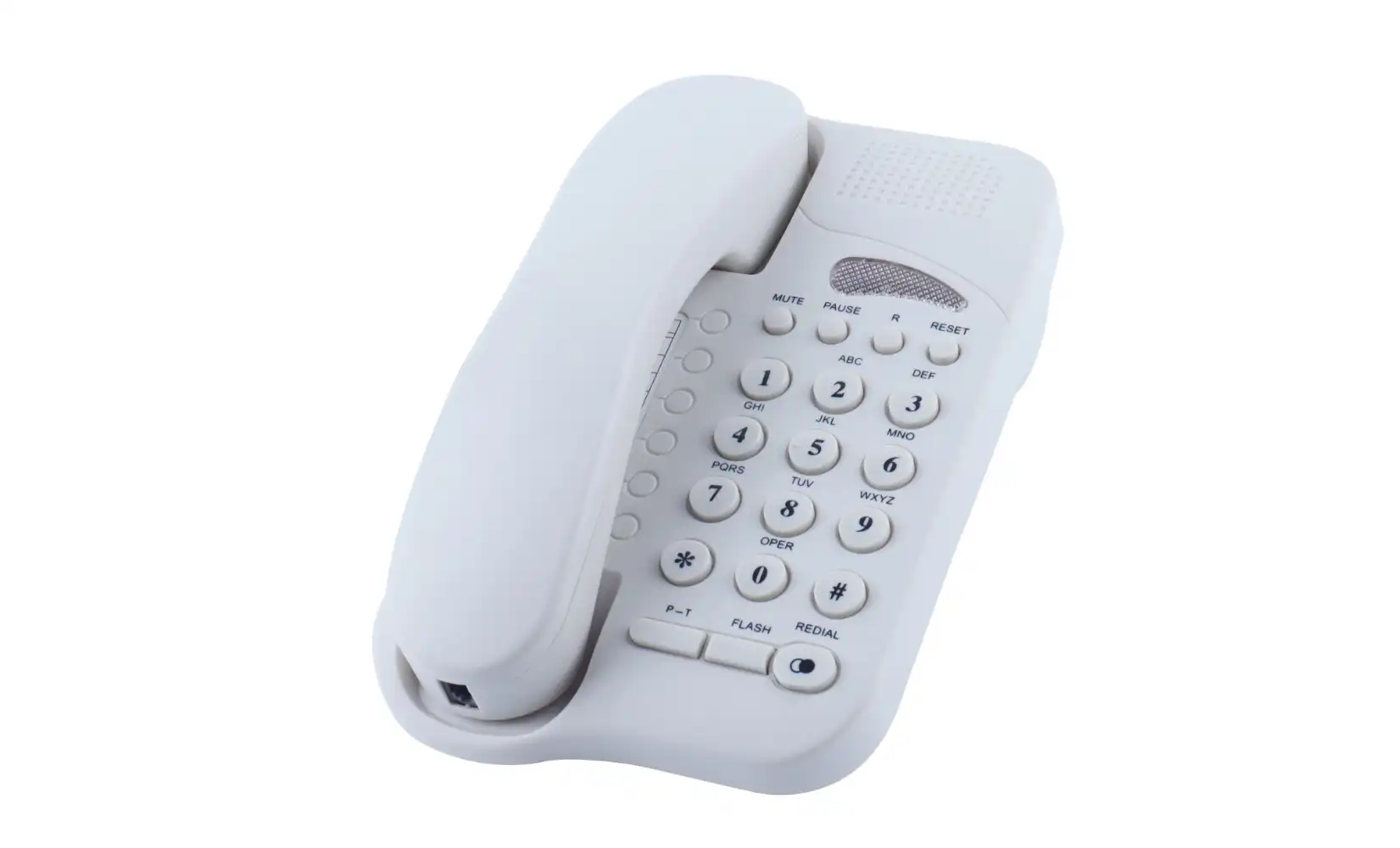
There are many different kinds of phone systems that are good for home offices. Each one has its own pros. Knowing about the different types will help you make a smart choice that fits your needs.
Traditional Landline Phones
Even though digital options are becoming more popular, old-fashioned landline phones are still a good choice for home offices. They provide great call clarity and don't need to be connected to the internet. Landline phones are great for places where the internet link isn't stable or for people who like things the old-fashioned way. A lot of today's home phones are good for business use because they have features like caller ID, call waiting, and audio.
VoIP (Voice over Internet Protocol) Phones
Voice over Internet phones are popular in home offices because they are cheap and can be used in many different ways. These phones make calls over your internet link, which usually costs less, especially for long-distance or foreign talks. VoIP systems usually come with advanced features like video talking, voicemail-to-email transcripts, and making it easy for the software to work with other business software. If your home office telephone setup needs fancy contact tools and a dependable internet link, then they're a great choice.
Cordless Phones
Cordless phones offer the convenience of mobility within your home office. Today's DECT (Digital Enhanced Cordless Telecommunications) phones have great call quality and range, which lets you move around while staying connected. A lot of cordless phones have audio systems, handsets that can be added on, and the ability to work with mobile devices. This makes them a useful choice for home offices.
 Key Features to Look for in a Home Office Telephone
When you choose a phone for your home office, there are certain things that can make you more productive and improve the quality of your calls. Take a look at these important things:
Call Quality and Clarity
For business calls, great sound quality is very important. Find phones that have HD voice technology, noise cancellation, and sound settings that you can change. These features make sure that calls are clear, which lowers the chance of miscommunication and raises the general speed of communication.
Ergonomics and Comfort
You should pay attention to physics when choosing a home office telephone inorderto make sure you are comfortable during the long calls. Pick a phone with a comfy body shape, display settings that can be changed, and the buttons are simple to use. For hands-free use, consider models with good speakerphones or ones that work with speakers. This will make sure you're comfortable and productive during long workdays.
Advanced Business Features
Find phones that have features useful for businesses, like caller ID, call transfer, and three-way talking. More advanced features might be able to record calls, have an auto-attendant, or work with customer relationship management (CRM) software. These tools can help you get more work done and look more professional.
Expandability and Future-Proofing
Think about how your home office needs might change over time. Choose systems that can grow, like ones that let you add more handsets or connect with other contact tools. Making sure your phone system can grow with your business will save you time and money in the long run.
Conclusion
Picking out the right phone for your home office is a choice that can have a big effect on the work you do every day. You can find a phone system that makes you more productive and professional by carefully thinking about your needs, looking at different kinds of phones, and focusing on the most important features. Remember to think about things like call quality, how comfortable the phone is to use, and whether it has advanced features that are useful for your job when choosing a phone. You'll be prepared to meet your contact needs quickly and effectively with the right home office telephone.
Frequently Asked Questions
What's the difference between VoIP and landline phones?
VoIP phones make calls over the internet. They often have more features and lower costs, especially for long-distance talks. Landlines that use copper wires are known for call quality and dependability, but they may not have as many advanced features.
Can I use the home phone number I already have for my home office?
Yes, you can do that in a lot of situations. Depending on the method you choose, you can continue to use your lines or transfer your number to a VoIP service.
Do most home office phones work with wireless headsets?
A lot of current home office phones work with portable headsets, but you should make sure the phone will work with the headset before you buy. For easy headset use, look for phones that use DECT technology or Bluetooth.
Advanced Home Office Telephone Solutions | CHEETA
In order to meet the changing needs of remote workers, CHEETA specializes in creating cutting-edge home office telephone systems. Our new Shenzhen factory has more than 18 years of OEM/ODM experience, which lets us make great, dependable communication devices. We offer many different types of traditional and IP-based phones, including smart call devices and advanced systems for recording voices. Our goods are carefully checked for quality, which makes sure that less than 1% of them fail. Our team of experienced engineers is ready to make your idea a reality for companies looking for unique home office telephone options. Have your home office contact setting feel the CHEETA difference. To learn more about our current home office telephone choices, please email allen@cheeta.com.cn.

References
1.Smith, J. (2023). "The Evolution of Home Office Communication Technology". Journal of Remote Work Studies, 15(2), 78-92.
2.Brown, A. & Johnson, L. (2022). "Ergonomics in Home Office Design: A Comprehensive Guide". Workplace Health & Safety, 70(4), 156-170.
3.Tech Analysts Association. (2023). "Global Trends in VoIP Adoption for Home Offices". Annual Industry Report.
4.Garcia, M. et al. (2021). "The Impact of Advanced Telephone Features on Remote Work Productivity". International Journal of Business Communication, 58(3), 301-318.
5.Williams, R. (2023). "Balancing Connectivity and Privacy in Home Office Communications". Cybersecurity Today, 7(1), 45-59.