 For older people to stay safe and comfortable, it's important to choose the right
 Key Features to Look for in Senior-Friendly Telephones
When buying a senior telephone, it's important to pay attention to features that make it easier to use and safer. A lot of older people have trouble seeing, hearing, or moving their hands, which makes regular phones hard for them to use. Here are some important things to think about:
Large Buttons and Display
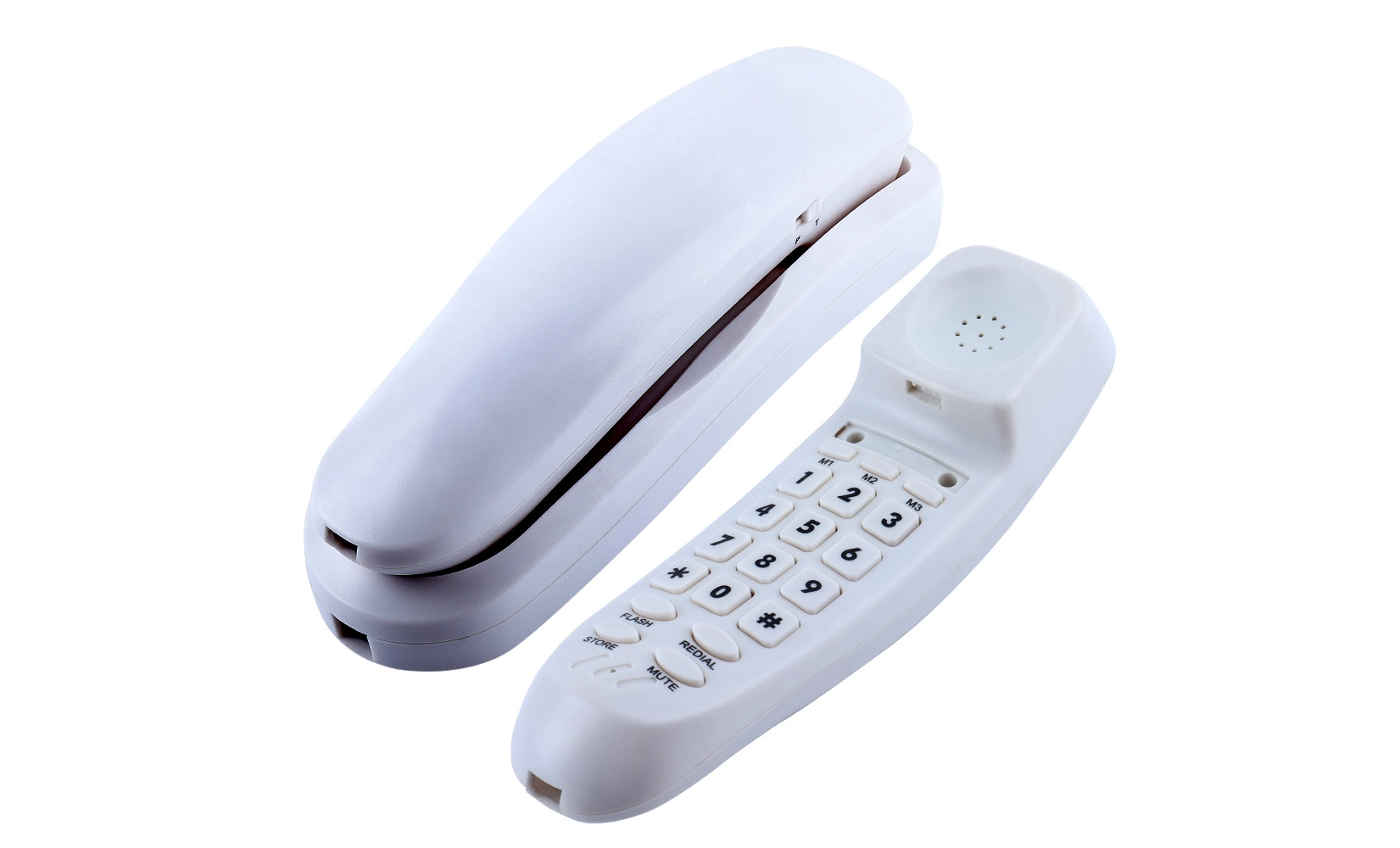
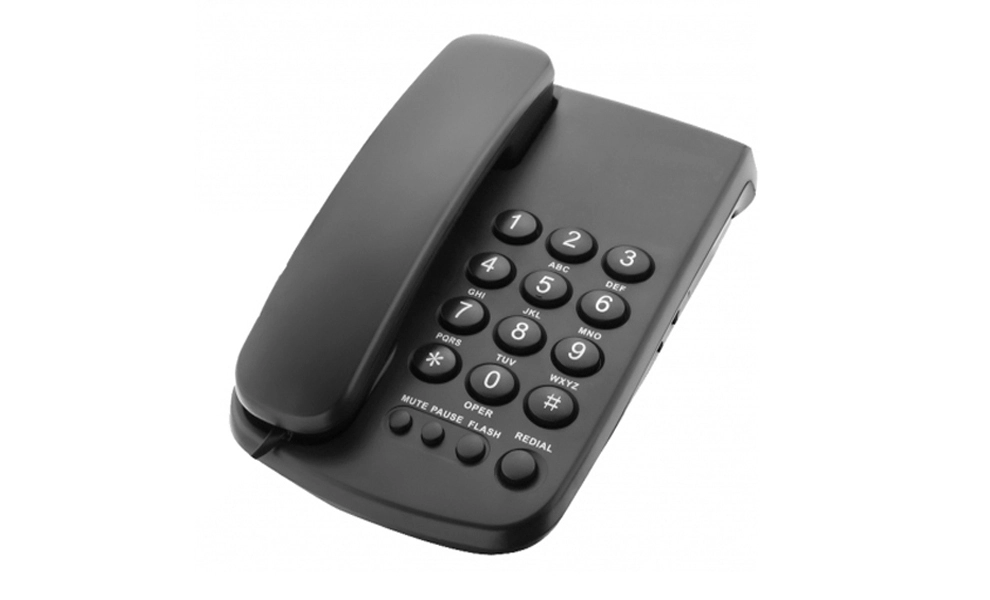
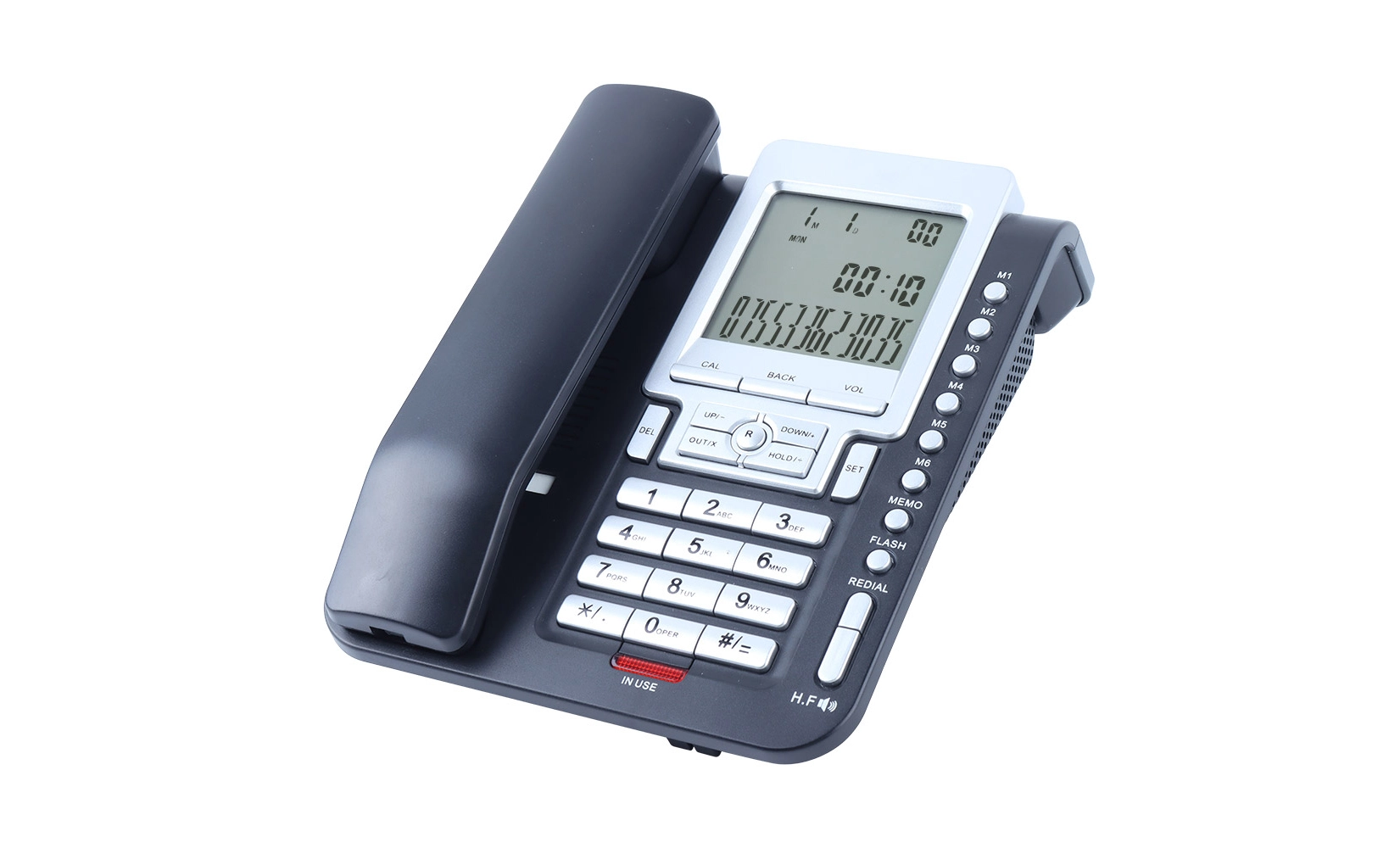
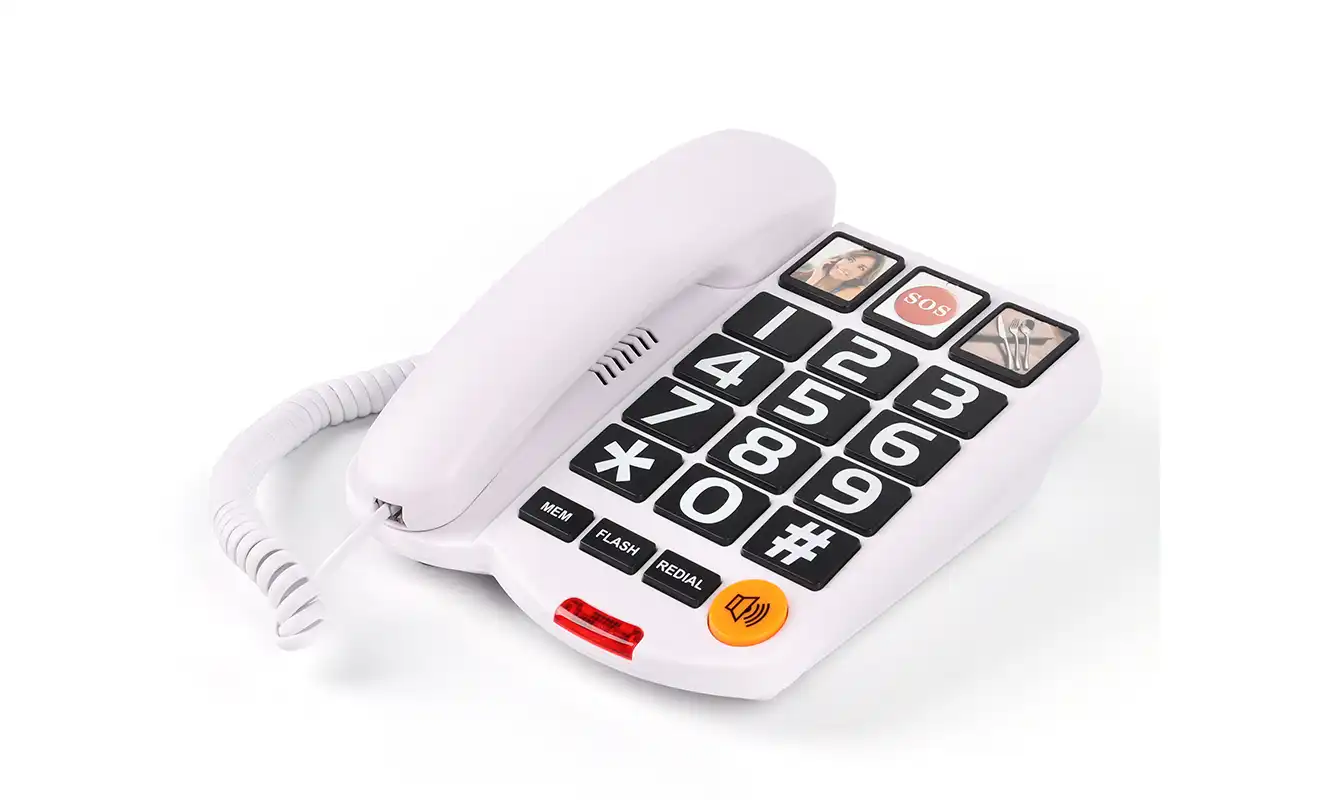
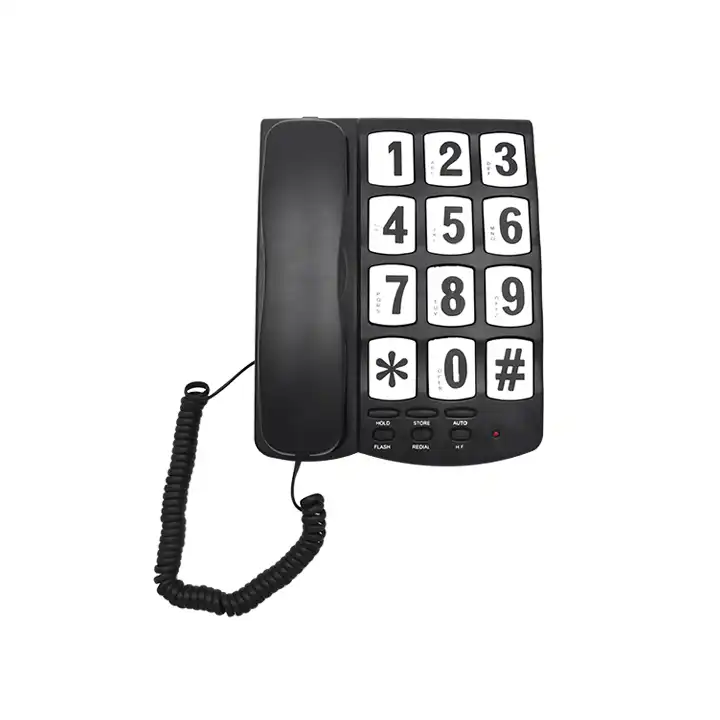
Large buttons that are easy to press are one of the most important things that a senior-friendly phone should have. To lower the chance of making a mistake, look for phones with large number keys and a roomy layout. In the same way, a big, high-contrast screen with font sizes that can be changed can make reading a lot easier for people who have trouble seeing.
Amplified Sound and Hearing Aid Compatibility
Phones that boost sound can be lifesavers for older people who have trouble hearing. Look for models that let you change the volume for both the ringer and the caller. Many senior telephones are also compatible with hearing aids, so people who use hearing aids can get clear music without any problems.
When choosing a senior telephone, safety comes first. For many types, there are emergency call buttons that can be set to call family or emergency services with just one press. Having speed dial choices for numbers you call a lot can also be very helpful, making it easy to get in touch with family or guardians quickly.
Ergonomic Design and Ease of Use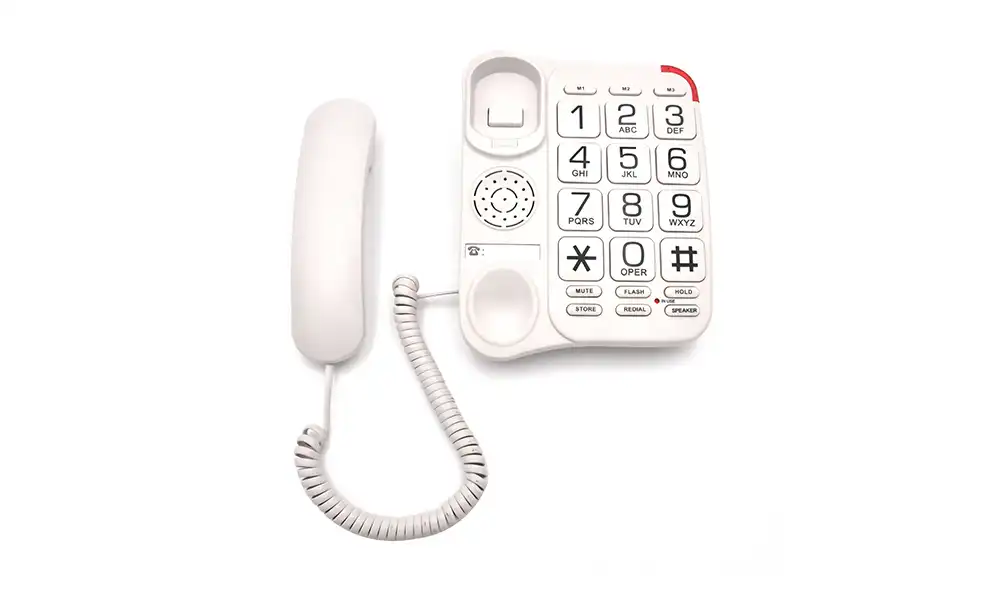
The way a senior telephone is made is very important to how well it works and feels. When comparing different models, think about these things:
Comfortable Handset Design
Look for phones with ergonomically designed handsets that are comfortable to hold for extended periods. Some models have rough grips or shaped in a way that makes them easier to hold, especially for people with arthritis, limited agility, or weak hands. These well-thought-out designs not only make it easier to use, but they also make it safer by avoiding slips, so seniors can talk with ease and trust.
Intuitive Interface and Menu Navigation
Senior telephones should be kept as simple as possible. Choose models that have simple menus and not too many features. Some phones have "senior mode" choices that make the interface easier to use by showing only the most important functions and making the buttons bigger.
Cordless vs. Corded Options
Think about whether a wired or cordless phone would work better. Even though cordless phones are portable, they need to be charged regularly and may be easier to lose. Phones that are corded, on the other hand, stay in one place and don't need batteries, which can be helpful for some seniors.
 Additional Features for Enhanced Safety and Connectivity
The safety and connection choices of modern senior telephones are often improved by advanced features that go beyond basic conversation.
Medical Alert Systems Integration
Some senior telephones can work with medical warning systems, adding an extra level of security. In the event of an emergency, such as a fall, these systems can instantly call 911 or a chosen helper.
Photo Dial and Voice Activation
Photo dial features can be very helpful for adults who have trouble remembering numbers or using regular keypads. With this feature, users can call their friends and family by hitting a button with their picture on it. This saves them the trouble of having to remember their phone numbers. It makes keeping in touch much easier and lowers the risk of making a mistake when calling. With its big, easy-to-see buttons, picture calling is especially helpful for adults who have trouble remembering things or seeing. It gives them confidence, freedom, and ease in their daily contact.
Answering Machine and Call Blocking
A built-in answering machine with simple, straightforward playing settings makes it easy for seniors to handle their messages. They can play back, save, or delete records whenever it's convenient for them. This way, they will never miss any important messages from family or healthcare providers. Also, features that block calls add an extra layer of defense against annoying calls. By blocking telemarketers, robocalls, and possible scams, these features give seniors more peace of mind and make their daily phone use safer and more enjoyable.
Conclusion
To choose the right senior telephone, the person who will be using it must carefully think about their individual wants and tastes. If you look for a phone with big buttons, louder sound, emergency functions, and an upright design, you can find one that makes older people safer and more comfortable. Make sure to include the senior in the decision-making process; their opinion is very helpful in picking a device that they will be happy with. You can give your loved ones peace of mind and keep important links open by choosing the right senior telephone.
FAQ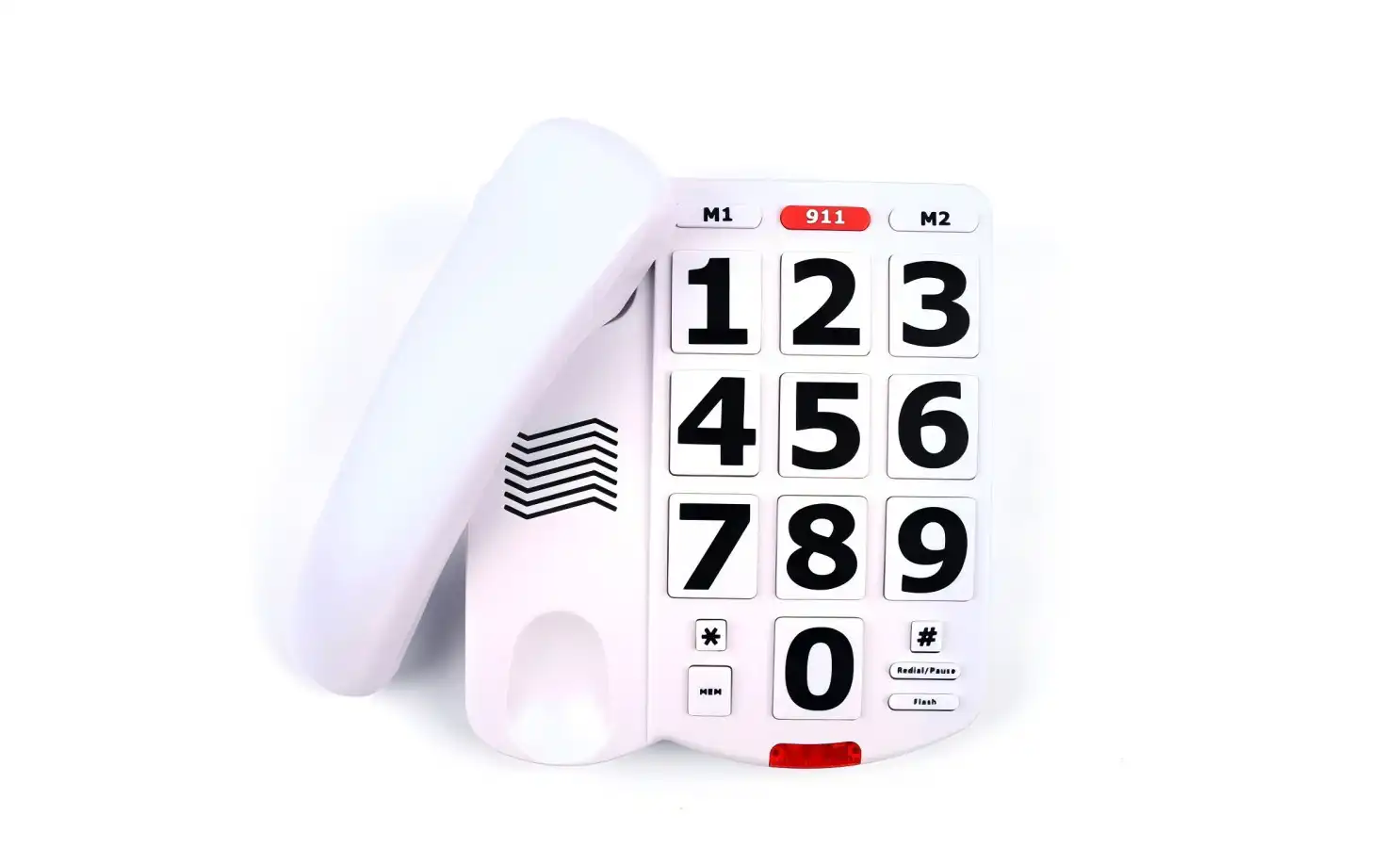
Exist senior telephones that can connect to both landlines and mobiles?
Yes, some phone companies make combination phones that can be used as both landline and mobile phones. This gives adults who want the security of a home phone with the option of being mobile more options.
How frequently should the batteries in senior telephones be changed?
Changing the battery in a wireless phone depends on how often it is used, but in general, they should be changed every one to two years to keep working at their best.
Are smart home systems and senior telephones compatible?
Smart home systems can be integrated with some high-tech senior telephone models, enabling features like voice-activated calls or emergency alerts through connected devices.Why Choose CHEETA for Your Senior Telephone Needs? | CHEETA
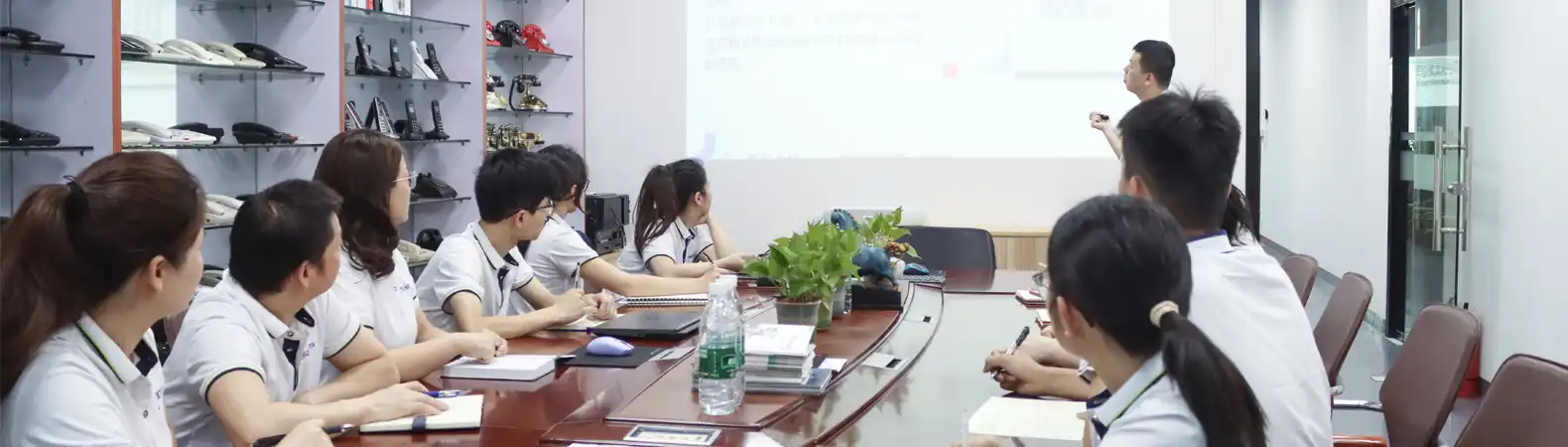
Top-quality senior telephones made for safety and comfort are available from CHEETA, a professional analog telephone maker with over 18 years of experience. Our state-of-the-art 1,200factory makes 1,000 analog units every day, so we can get them to you quickly. It has more than 100 skilled workers and 10 top engineers working there. All of CHEETA's goods are reliable because they go through 11 steps of strict testing to make sure they meet CE, RoHS, FCC, and UN38.3 rules. CHEETA serves customers around the world by combining technical know-how, automation, and quick response times. Their failure rate is less than 1%, and they offer full OEM/ODM customization choices. For inquiries, contact allen@cheeta.com.cn.
References
1. Johnson, M. (2022). "Advancements in Senior-Friendly Communication Technology". Journal of Gerontechnology, 15(3), 245-260.
2. Smith, A. & Brown, L. (2023). "The Impact of User-Centered Design on Senior Telephone Adoption". International Journal of Accessible Design, 8(2), 112-128.
3. Wong, R. (2021). "Safety Features in Modern Senior Telephones: A Comprehensive Review". Assistive Technology Today, 12(4), 78-95.
4. Garcia, E. et al. (2023). "Ergonomic Considerations in Senior Telephone Design". Ergonomics in Design, 31(1), 33-49.
5. Lee, S. & Park, J. (2022). "The Role of Senior Telephones in Maintaining Social Connections Among Older Adults". Journal of Aging Studies, 42, 156-172.